User Management and Security Screens 45
User Guide v 2.3 — September 2015 Security and Administration
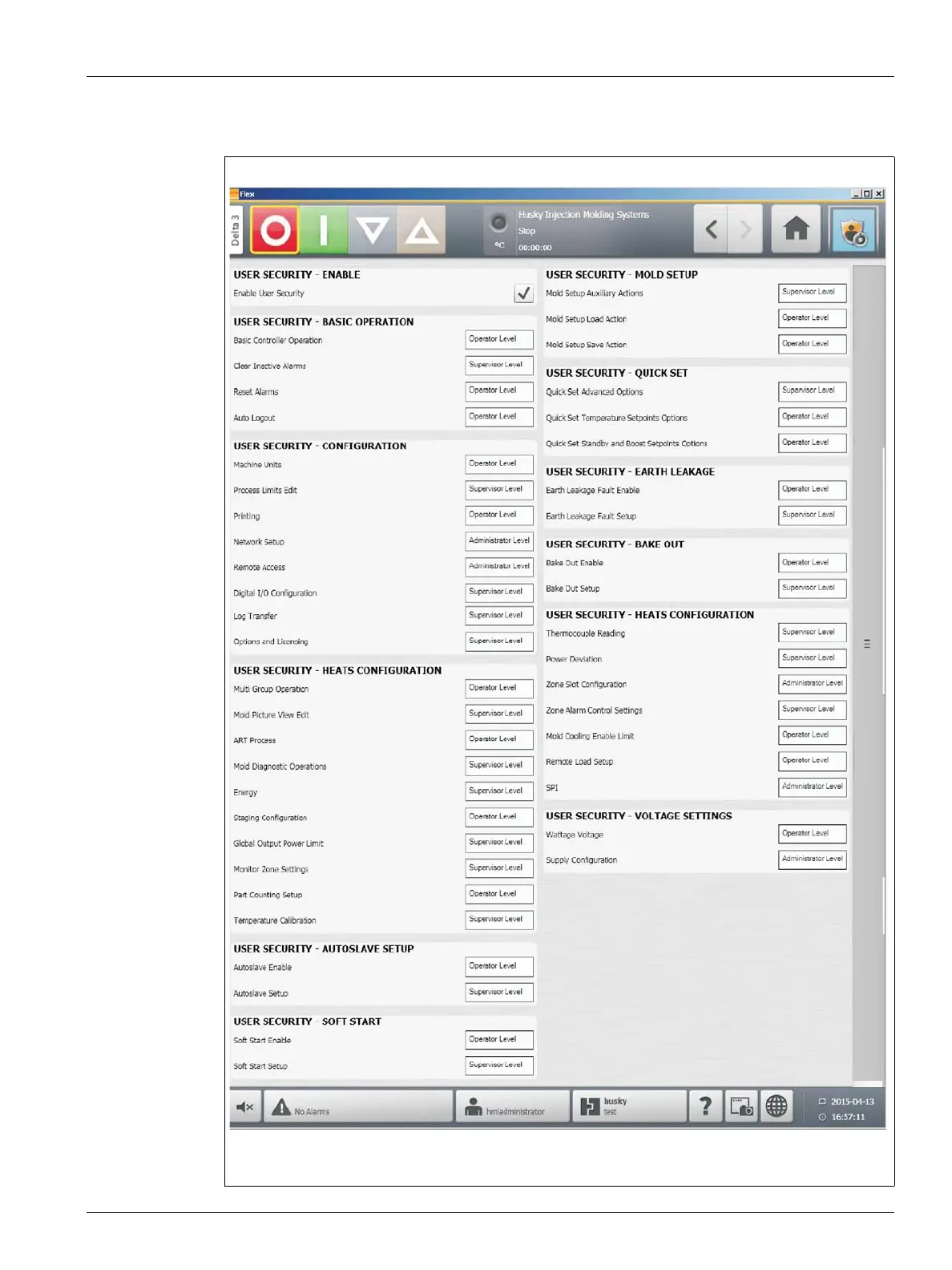
4. On the Security screen, select a user type (Administrator, Supervisor, Operator, or
Default User) for each of the following settings.
Figure 5-2 Security Screen



 To Next Page