Parameters:
Name Description Mandatory Default
service Service to be listed. N All services
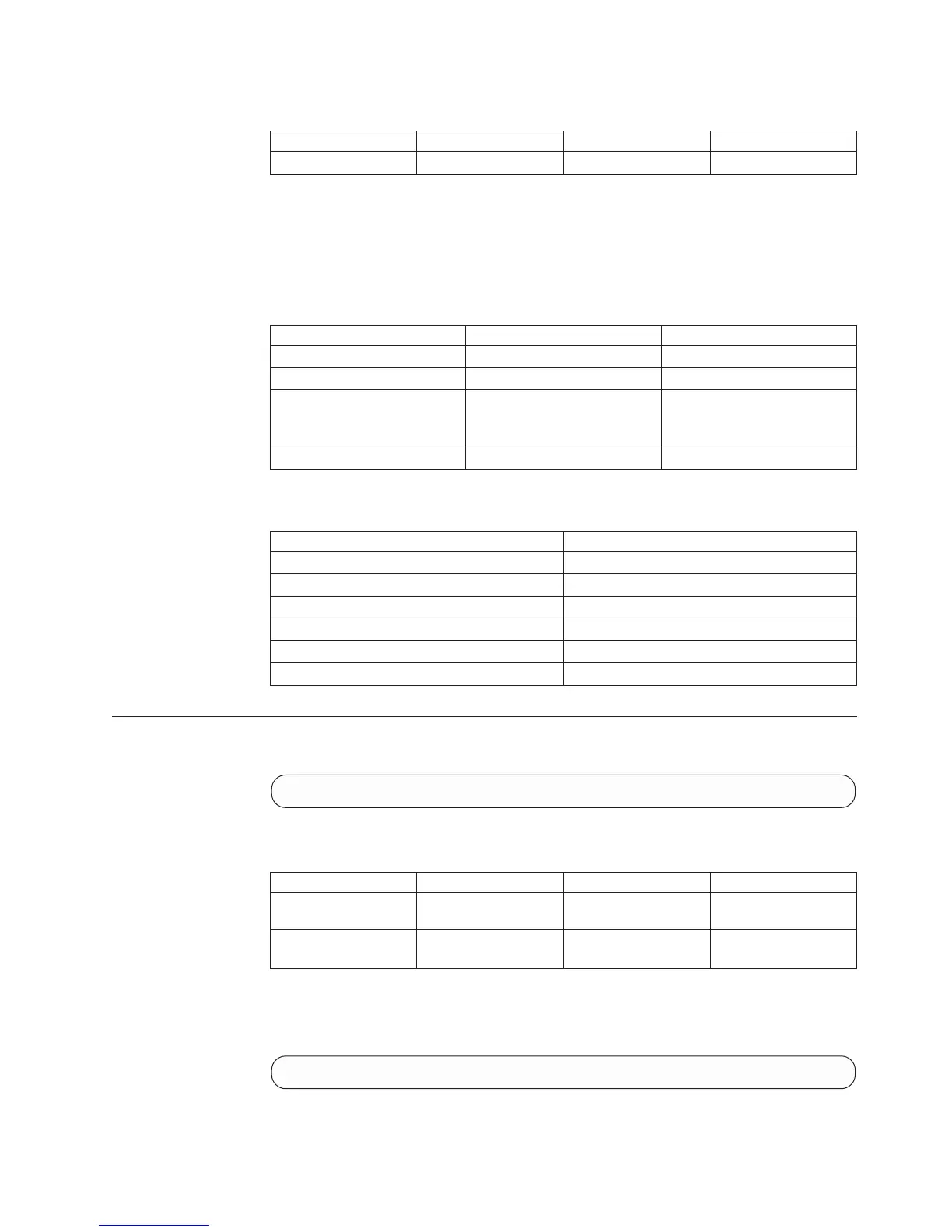
This command lists the statuses that apply to services. The list includes the
following information:
v Component generic status
v Service on/failed
v Comment (optional)
Id Name Default Position
component_id Component ID 1
status Status 2
currently_
functioning
Currently Functioning 3
target_status Target Status 4
Access Control:
User Category Permission
Storage administrator Allowed
Storage integration administrator Disallowed
Application administrator Allowed
Security administrator Disallowed
Read-only users Allowed
Technicians Allowed
Listing PSUs in the System
Lists the PSUs in the XIV system.
psu_list [ module=ModuleNumber | psu=ComponentId ]
Parameters:
Name Description Mandatory Default
module Limits the listing to a
specific module.
N All PSUs in all modules.
psu Lists only a specific
PSU.
N A specific PSU.
This command lists the PSUs in the XIV system.
Example:
xcli -u -c Nextra1 psu_list
Output:
Chapter 20. Hardware Maintenance 445


 To Next Page
 Loading...