17-19 Operators’ Manual
990400 Rev C 2010 May 1
12-2
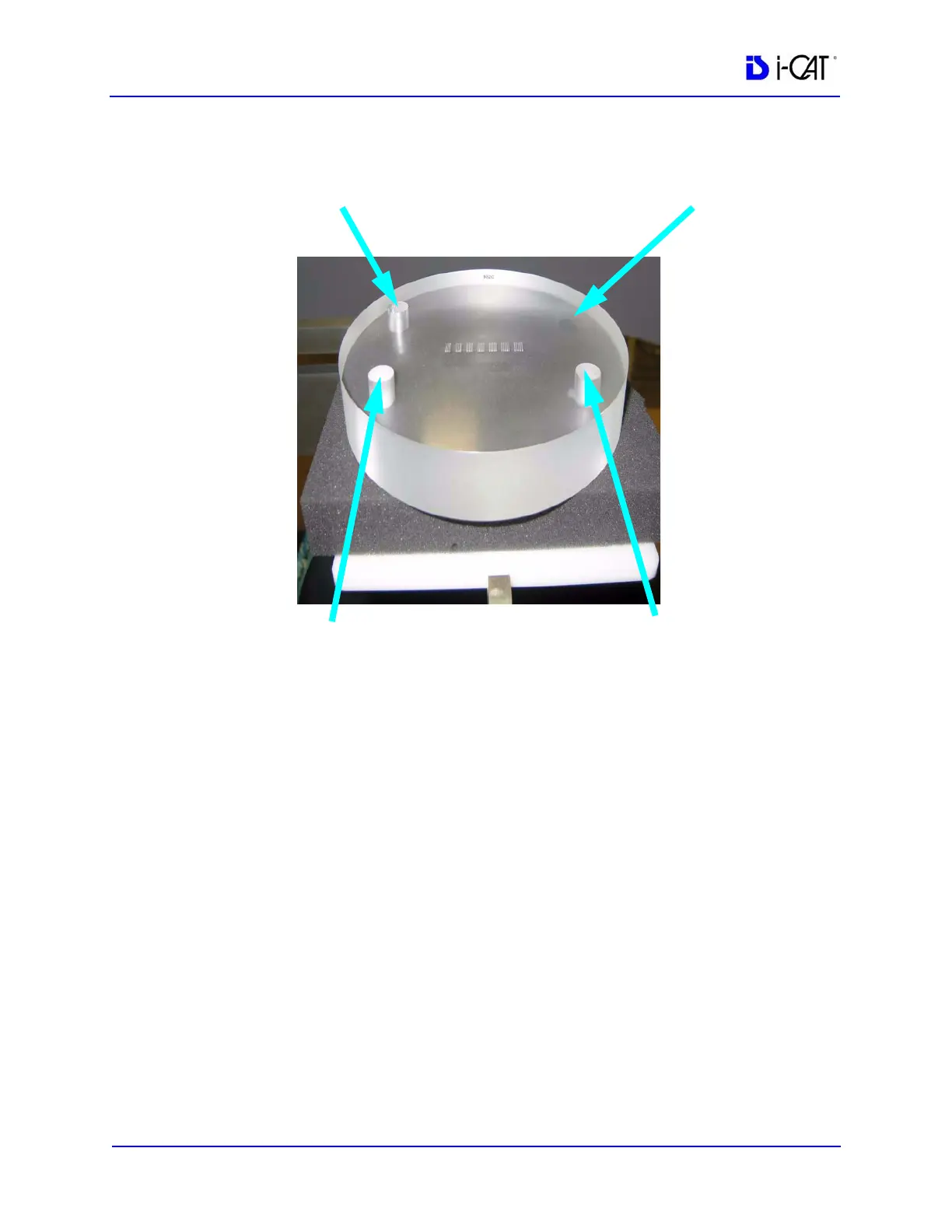
4. Center the QA Phantom on the platform with the Air Hole
positioned at the left rear of the Gantry (shown below).
NOTE: If the Tru-Pan feature is enabled on your system, you may
want to change the default panoramic method to Manual Arch
Settings or None before beginning acquisition of phantom images.
The Tru-Pan feature is not designed to be used with phantom
images. See Changing the Panoramic Method.
5. Start the test by selecting File > New Patient from the Main
menu.
6. From the Select Patient screen, click Add.
In Patient Name field, enter QA Test in the First field and Line
Pair in the Patient ID field. Click OK.
7. On the Select Patient screen, click OK. The Acquisition window
is displayed.
8. From the Volume tab in the Acquisition window, select the
following:
Size of Reconstruction Volume: Diameter 16cm - Height 6cm
maxilla
Resolution: .2 voxel, 26.9 Seconds
Quantum IQ: NOT selected
AIR HOLE
ACRYLIC
TEFLON
LDPE



 To Next Page