Page | 100
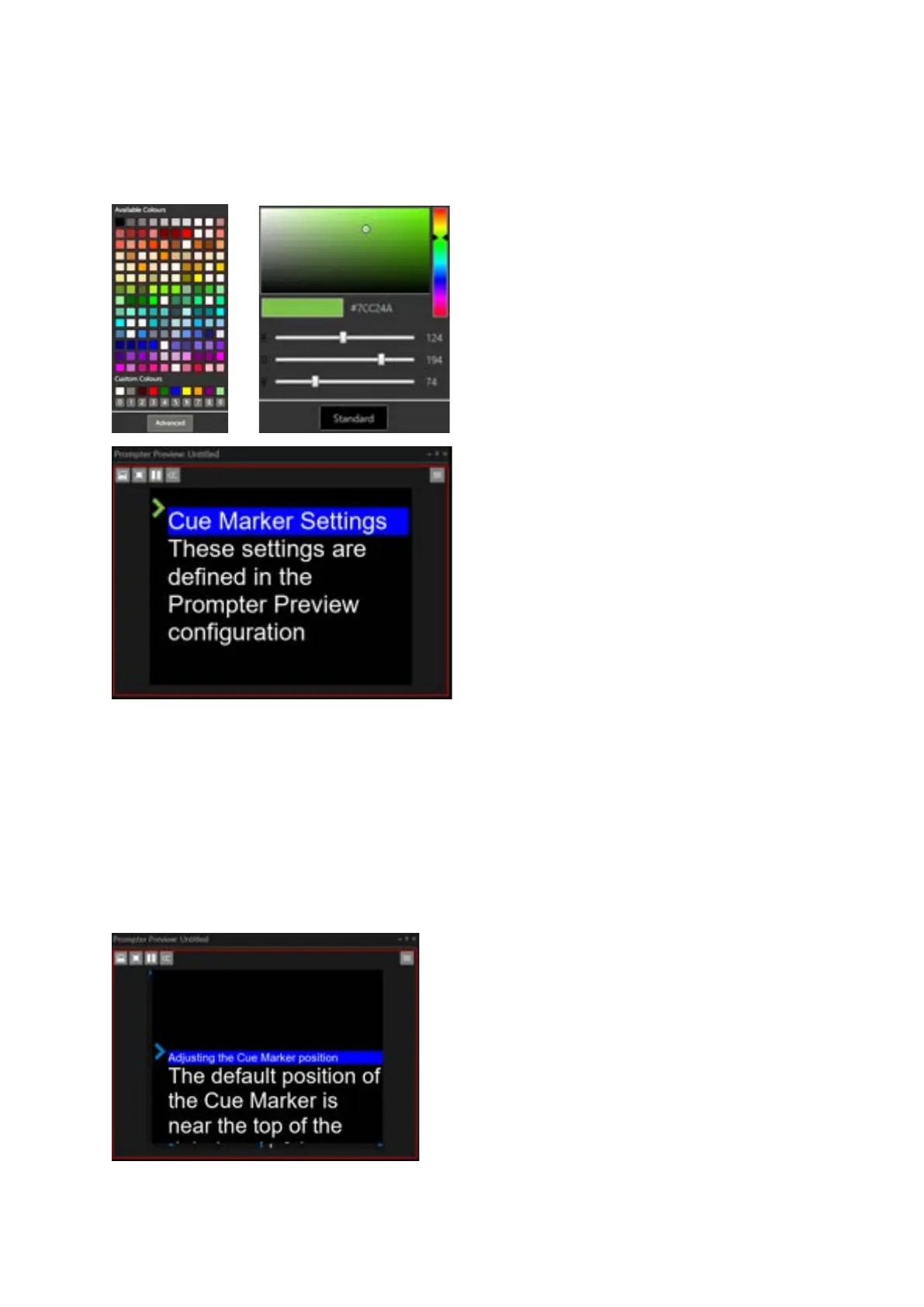
The applicable colour can be either from presets and a selection of standard (Available )colours, or
generated by the user clicking Advanced and generating their own colour.
Please Note: when changing the Cue Marker colour you will be able to see the marker itself change
colour in real-time before you click Close
Cue Marker Vertical Offset
The offset of the marker from the top of the Prompter Preview can be adjusted using a slider. This
will correspond to where each new story appears on screen.
Please Note: The vertical position of the Cue Marker
is a reference line for where stories are placed when
selected. Please ensure that when moving the Cue
Markers vertical position enough lines of the story
are visible to the reader
For more details see Prompter Preview Layout
Formatting/Adjusting the Cue Marker



 To Next Page