Page | 63
Exporting A Run Order
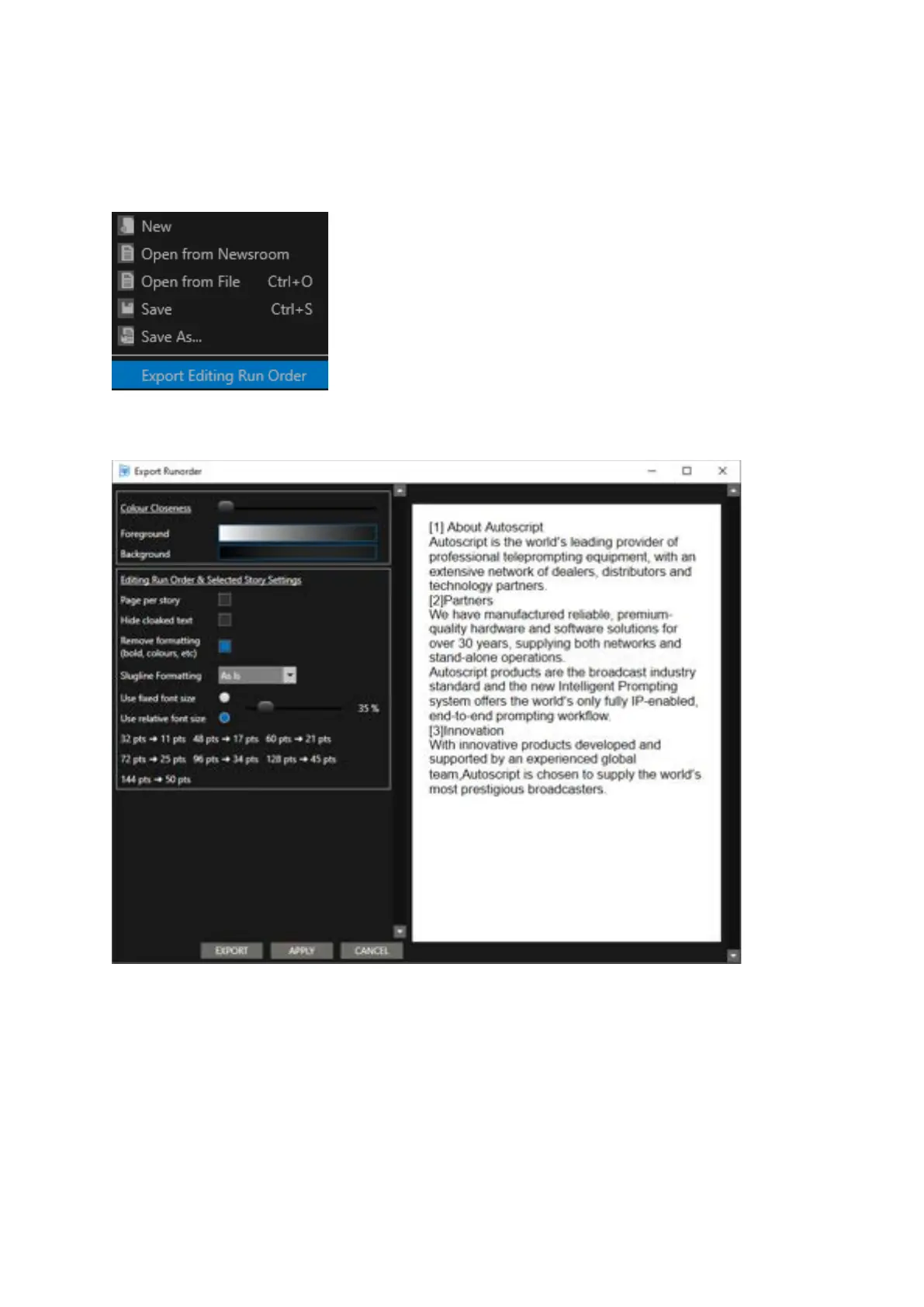
Select File/Export Editing Run Order:
This will open the Export Runorder pane.
Please Note: See the section below “Printing Options & Configuration” for an explanation of the
functionality of these options.
Once all settings have been confirmed click EXPORT.
You can now rename the run order if desired and select the location you would like to export to.



 To Next Page