Page | 21
Moving the Licence Dongle
If you would like to transfer a WinPlus-IP licence to a different machine, remove access to the
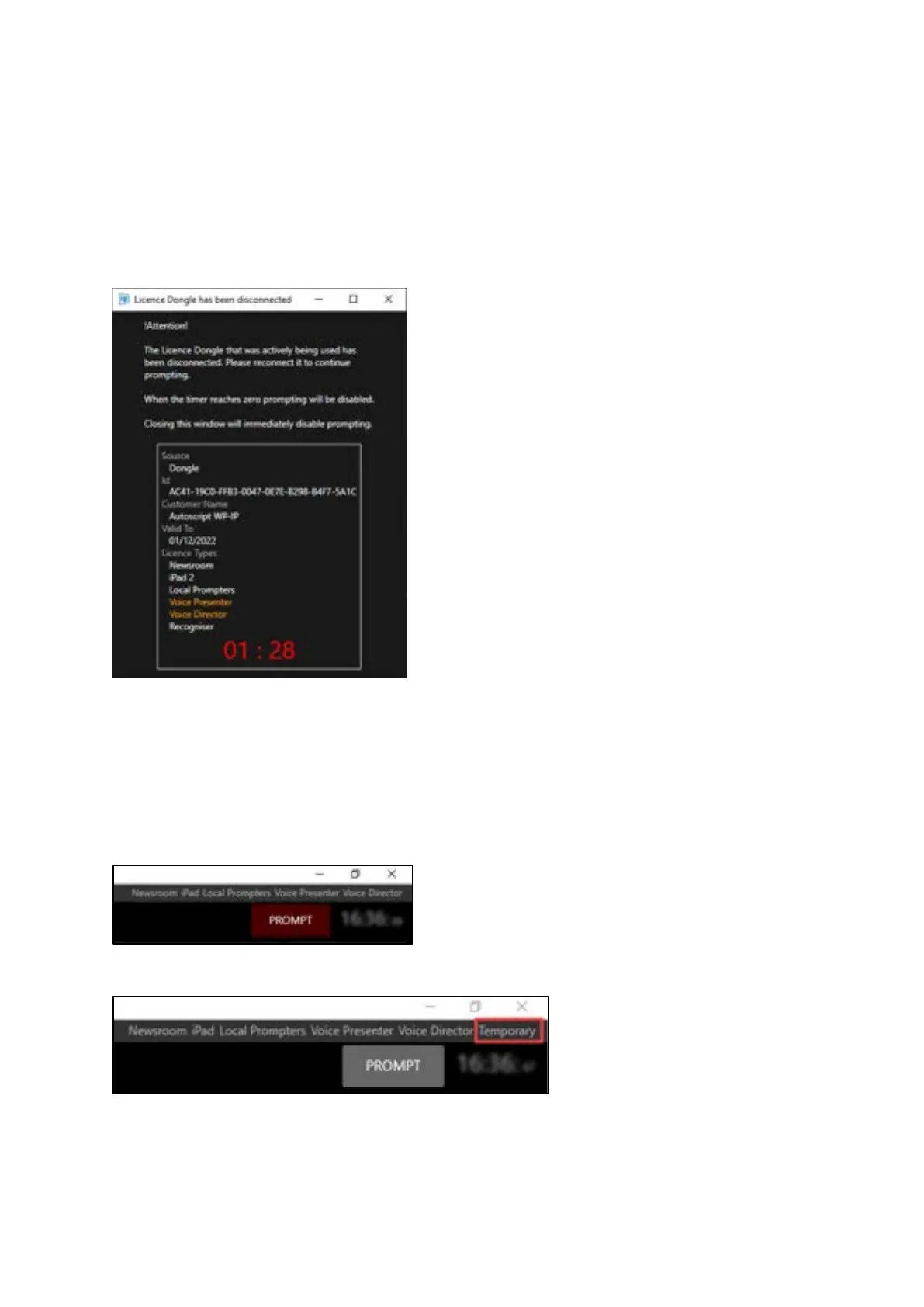
Licence Dongle from the machine it is currently in use by. A warning window will be displayed which
tells you the active Dongle has been disconnected and that you have 90 seconds to reconnect.
A countdown shows the remaining Min/Sec before the disconnect occurs.
When the timer reaches 0 the licence will revert to a Temporary licence and Prompting will be
disabled. If you close the window before the timer reaches 0 prompting will immediately be
disabled.
All devices will still be connected but the ability to enable prompting is removed. The licence type
will show as Temporary.
With active licence/licenced dongle:
With licenced dongle removed:
If you reconnect the dongle before the 90 seconds countdown is up the licence dongle warning will
close and prompting will continue as before.



 To Next Page