Page | 202
Configuration Toolbar
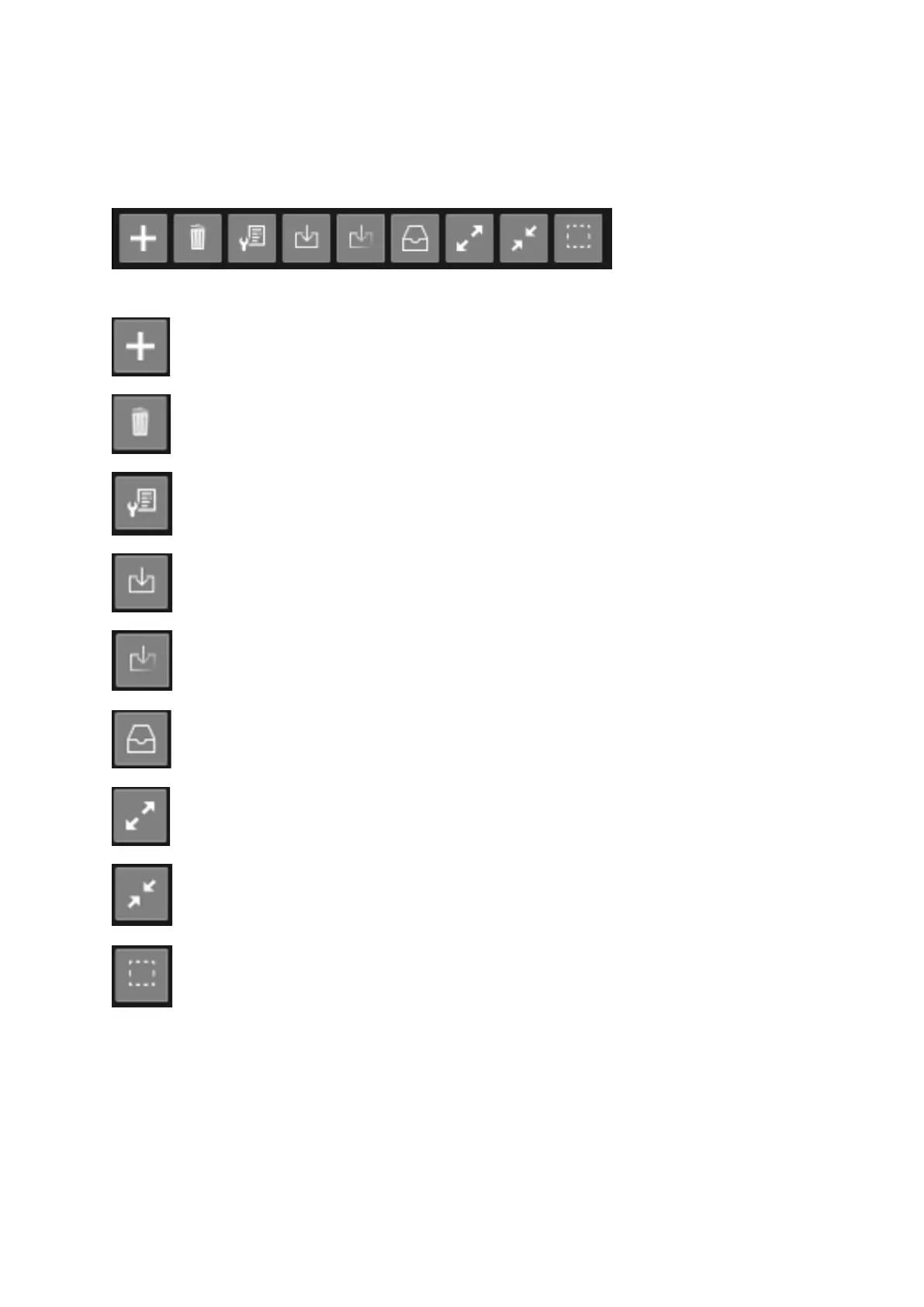
Default icons on the main toolbar are:
Add a configuration.
Delete the selected Configuration
Modify selected Configuration
Load and reset missing Configuration items
Load and leave missing Configuration items as currently set
Reset to defaults
Expand all
Collapse all
Clear selection
Please Note: Most of these functions are also available via a right click on a selected Configuration



 To Next Page