Page | 243
Adding An iDevice To The WP-IP application
Once you have installed the iEVO application on your connected iDevice and have the appropriate
licence installed on your WP-IP application you can add the iDevice.
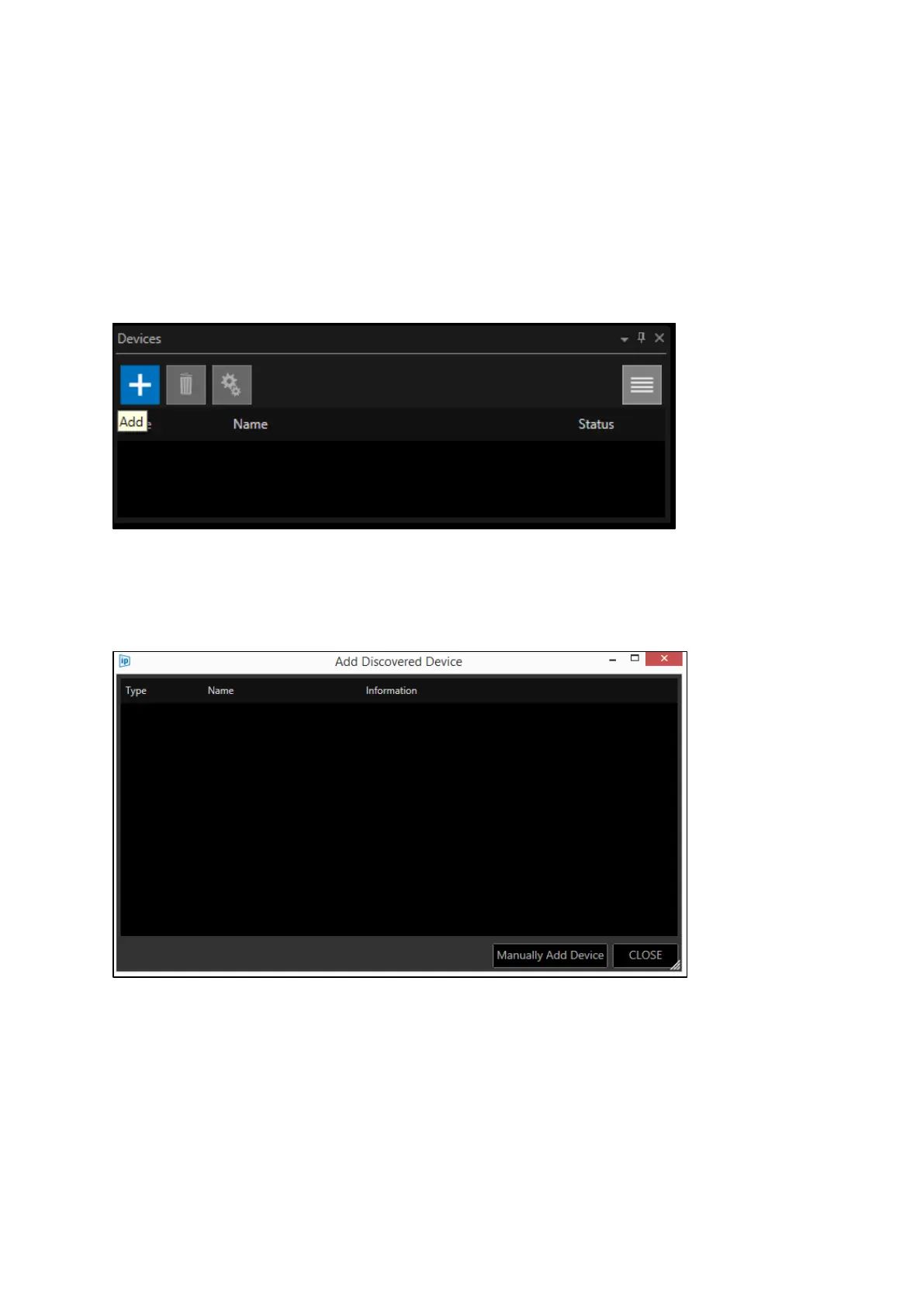
In the devices window click the + icon:
This will launch the Add Discovered Device window:
You now have two options:
Option 1: Add Auto Discovered Device
Option 2: Manually Add Device



 To Next Page