Page | 131
Configure Presenter Settings
Within the presenter settings a default global setting is used for the following 4 tabs:
• Prompter Layout
• Blanking
• Cue Marker
• Clock
i.e. within each presenter these settings can be left unchanged and so they will default to the Global
Settings, or they can be modified per presenter.
IMPORTANT: to determine the Global Settings see the section “Prompter Preview Preferences” &
“Prompter Preview Layout Formatting”
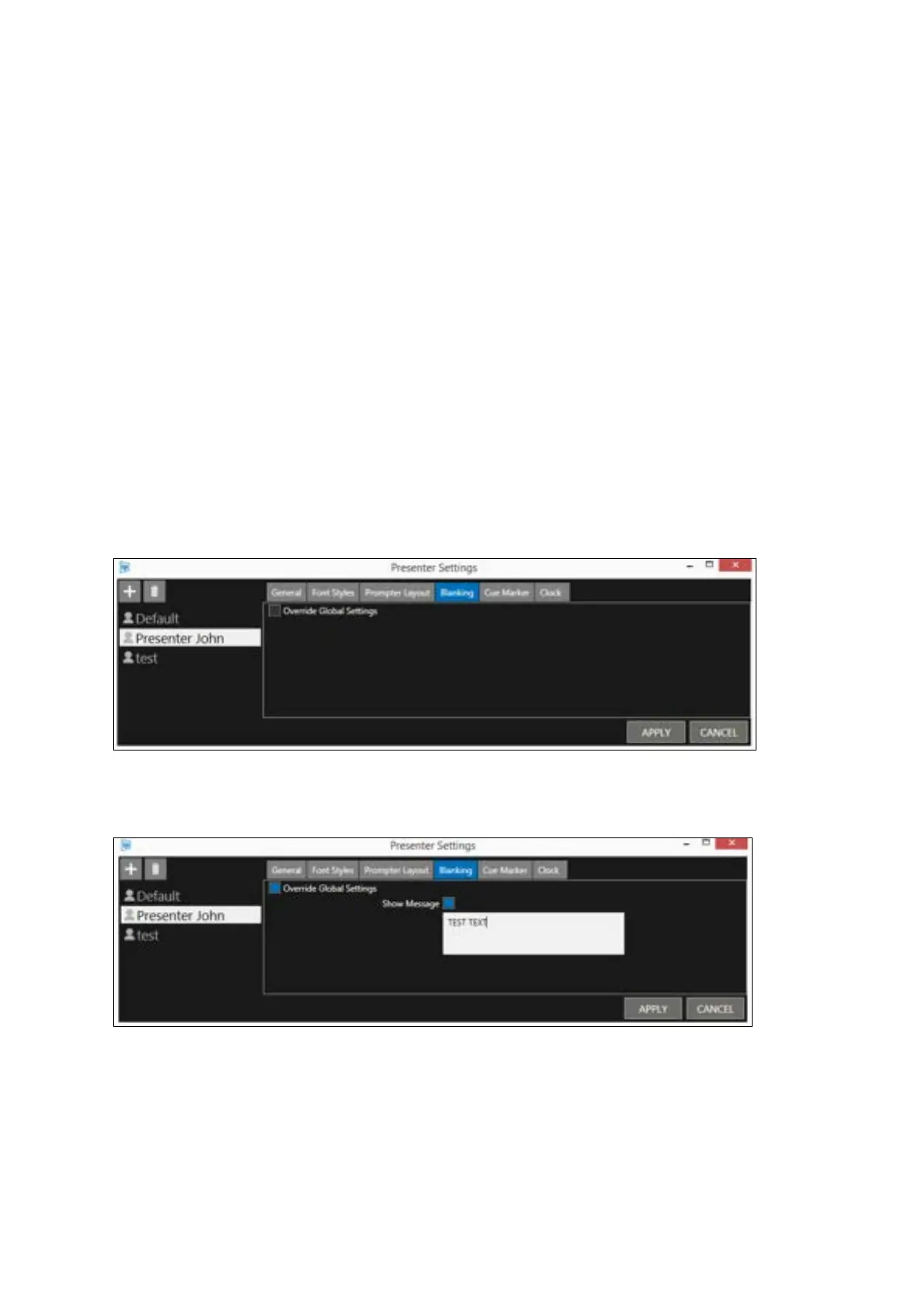
When one of these 4 tabs is selected “Override Global Settings” is unchecked.
For example, the Blanking tab.
If you do not want to use the global settings of the Blanking feature for Presenter John, select
Presenter John, then the Blanking tab and check the “Override Global Settings” box:
This will result in an editable box opening.
Check the “Show Message” box and enter some text. E.g. TEST TEXT.
Click APPLY to close the box.
Now, when a story is prompted with Presenter John as the presenter, and the blank feature is
enabled, the prompter output will display the blank screen message TEST TEXT.
All other stories which do not have Presenter John as the presenter, and who do not have an edited
“Show Message” field, will default to display whatever the global setting for the blank feature is.



 To Next Page