Page | 50
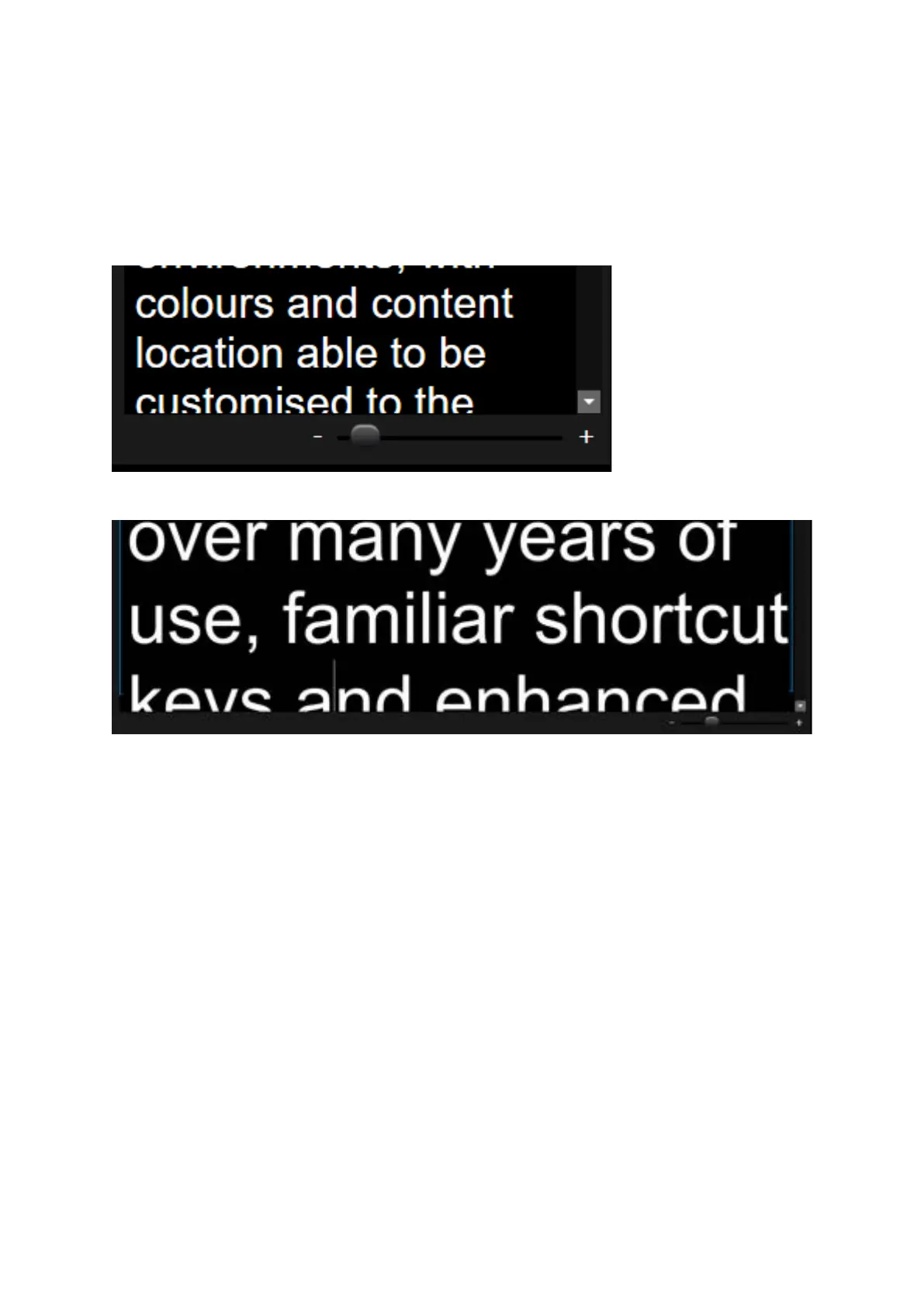
Story Editor Slider Function
The size of the image in the Story Editor window can be adjusted using the slider at the bottom of
the window.
Drag the slider to the left to decrease the size of the image
Drag the slider to the right to increase the size of the image
Please Note: Adjustment of the slider effects only the size of the image in the Story Editor window. It
has no effect on the output prompter font size.
If the size selected is larger than the available space in the Story Editor window adjust the window
size by dragging the borders.



 To Next Page