Page | 258
Configuring the WC-PKG Wireless Controller
Please Note: the WB-IP (A9009-0008) should be added to the WP-IP system before the WC-IP
(A90009-0007).
The WB-IP can be added either by the Auto Discover method (Add Discovered Device) or by manually
adding the device (Manually Add Device).
The WC-IP must be added using the Auto Discover method (Add Discovered Device)
Adding The WB-IP
Power: Connect an ethernet cable to the WB-IP. This must be a powered connection, either from a
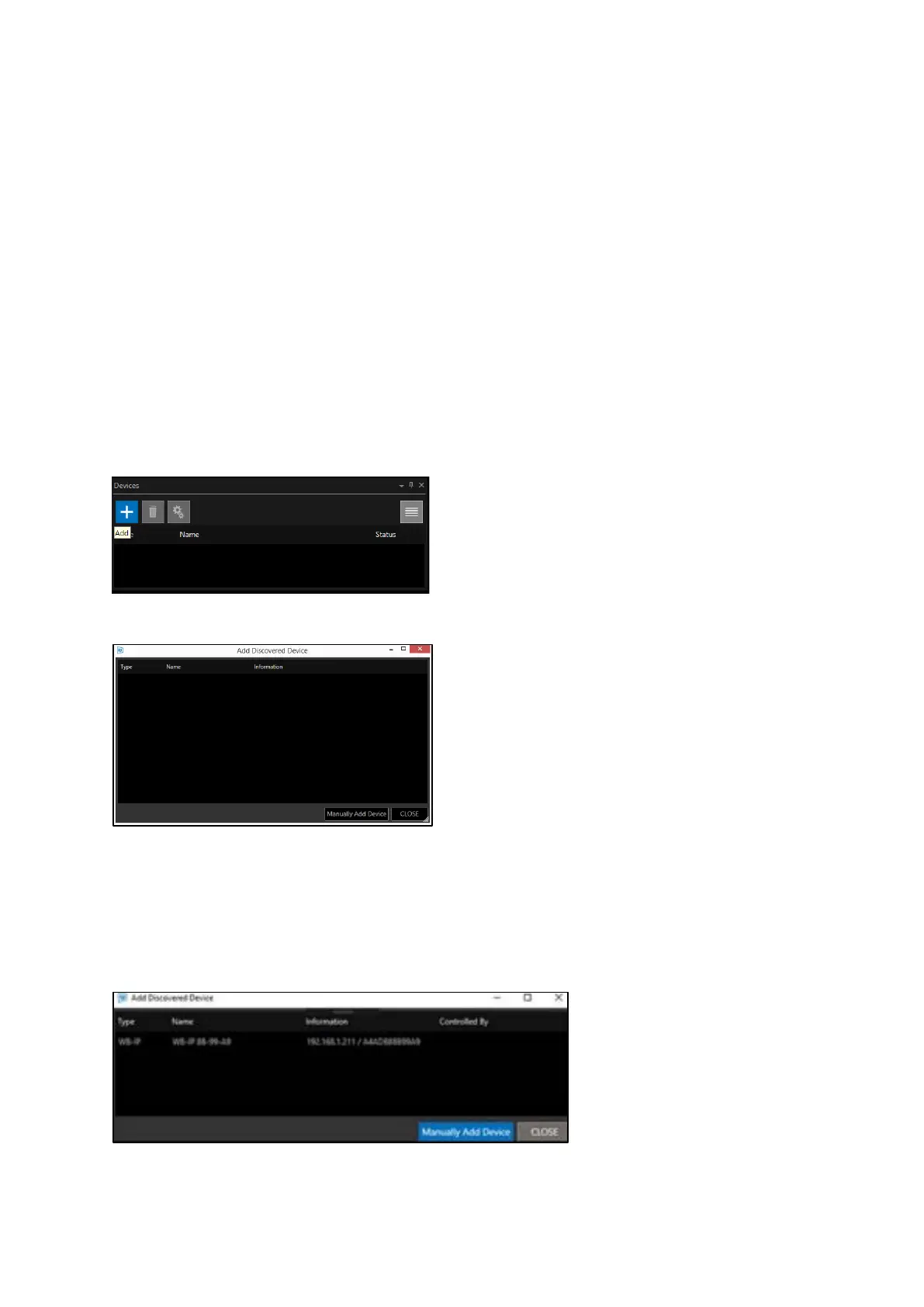
PoE switch or from a PoE injector. Once connected and powered, in the devices window click the +
icon:
This will launch the Add Discovered Device window:
When “Add Discovered Device” is clicked, a list of the available WB-IP connected to the network will
populate. The window shows the type of device available, its friendly name, its IP address and MAC
address.
The WB-IP is displayed below:
Double click to add the WB-IP.



 To Next Page