Page | 13
To Activate Your WinPlus-IP Licence
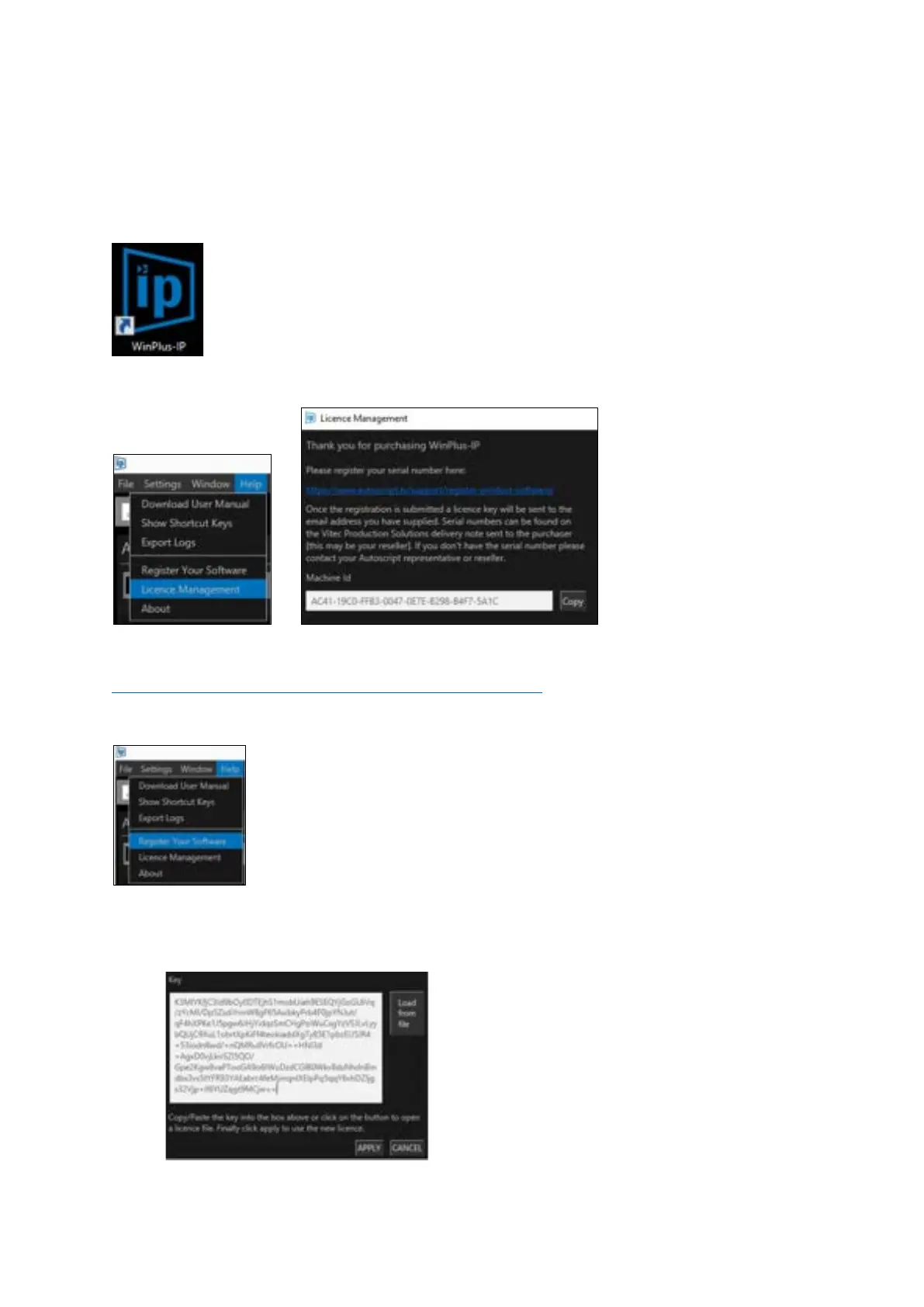
Open WinPlus-IP on the operating PC by double clicking on the WinPlus-IP icon on the desktop:
Copy the machine id from the Licence Management window:
Register the machine id and serial id(s) at:
http://www.autoscript.tv/support/register-product-software/
You can access that address directly here:
A licence key will be sent to the registered email address.
Copy the licence key into the Key field in the Licence Management window in WinPlus-IP:



 To Next Page