Page | 261
Troubleshooting
Export Logs
This will export all logs for troubleshooting and reference purposes.
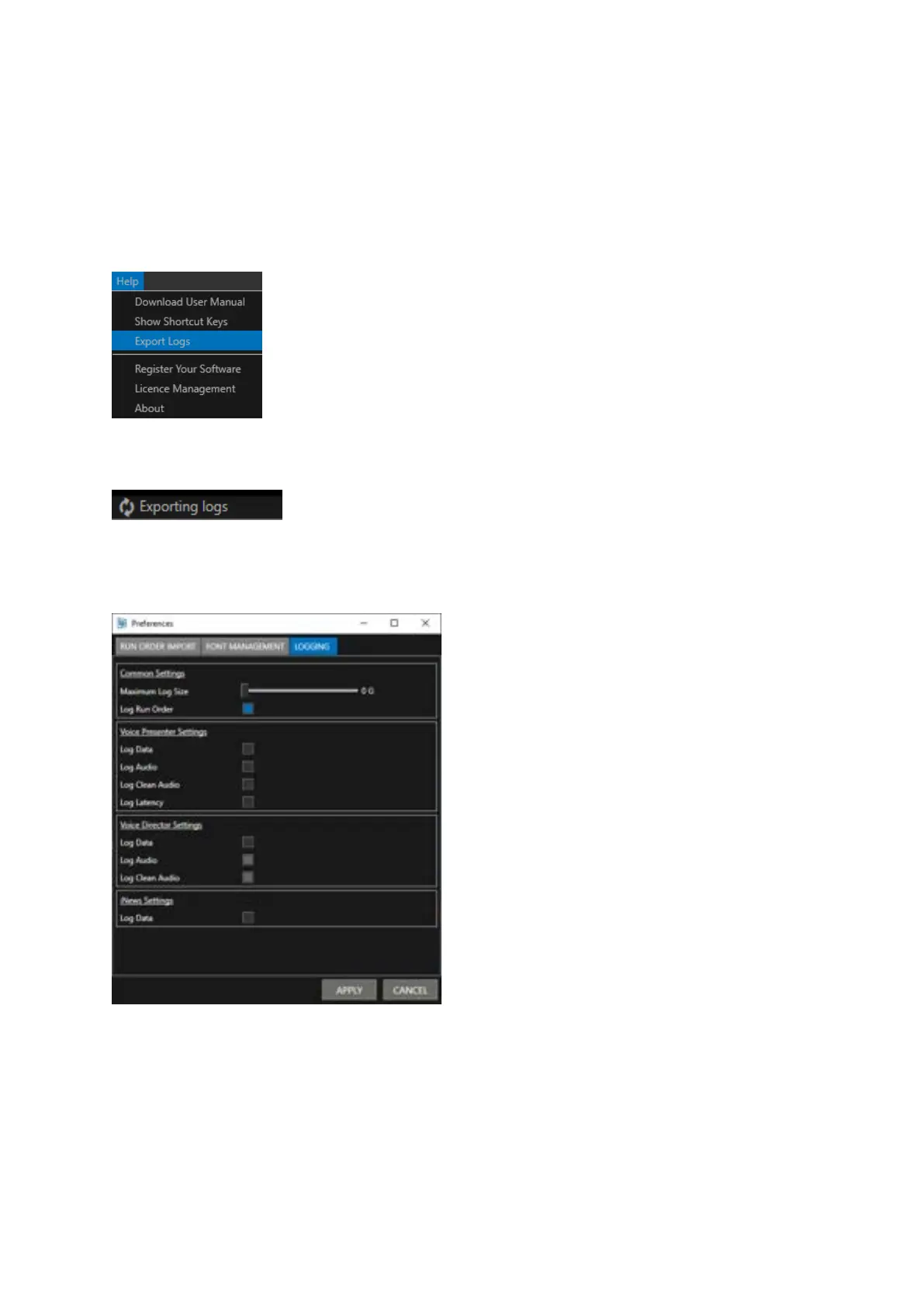
Click Help/Export Logs
You can select the location you would like to save these log files. While exporting you will see a
notification in the toolbar:
When the export is completed a confirmation window will display when the files have been saved in
the location specified. Additional logging options are available. In the main toolbar click
Settings/Preferences/Logging.
Common Settings:
Maximum Log Size: Select the size of the logs you would like to create using the slider
Log Run Order: Every change in the run order will be saved as a separate .awp file.
When Voice or Director are licenced features you can also select to log these items.
iNews Settings: Logs extra lines of raw FTP/iNews attempted actions in the normal log files.



 To Next Page