Page | 253
When the connection is re-established iEVO will automatically begin prompting again from the latest
position the script is set to by the operator.
Configuring the CLOCKPLUS-IP Device
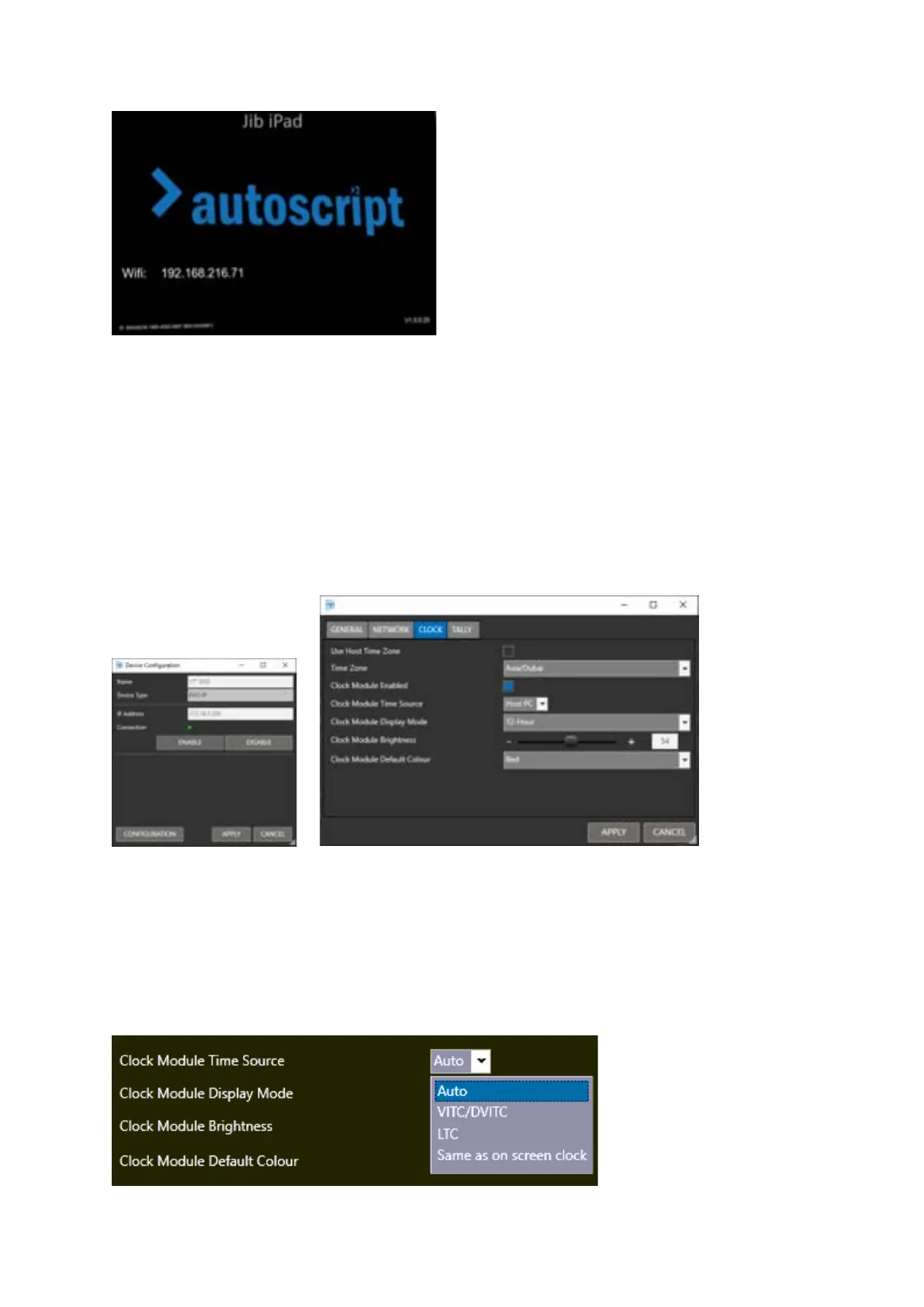
The CLOCKPLUS-IP can be configured through the WinPlus-IP Device pane. Highlight the device the
clock is installed in and click the CONFIGURATION button. In the Device Configuration window, click
CONFIGURATION/CLOCK tab:
Use Host Time Zone: Uses local PC time. If checked other time zone options will be hidden.
Time Zone: Select using the Time Zone pull down.
Display Time Source: Select HOST PC or NTP to be the source of the clocks timecode data.
Clock Module Enabled: Activates the CLOCKPLUS-IP. If disabled other menu options will be hidden.
Clock Module Time Source: Select the source of the time code from the Time Source pull down.



 To Next Page