Page | 26
You now have two options:
Option 1: Add Discovered Device
Option 2: Manually Add Device
Adding An Auto Discovered Device
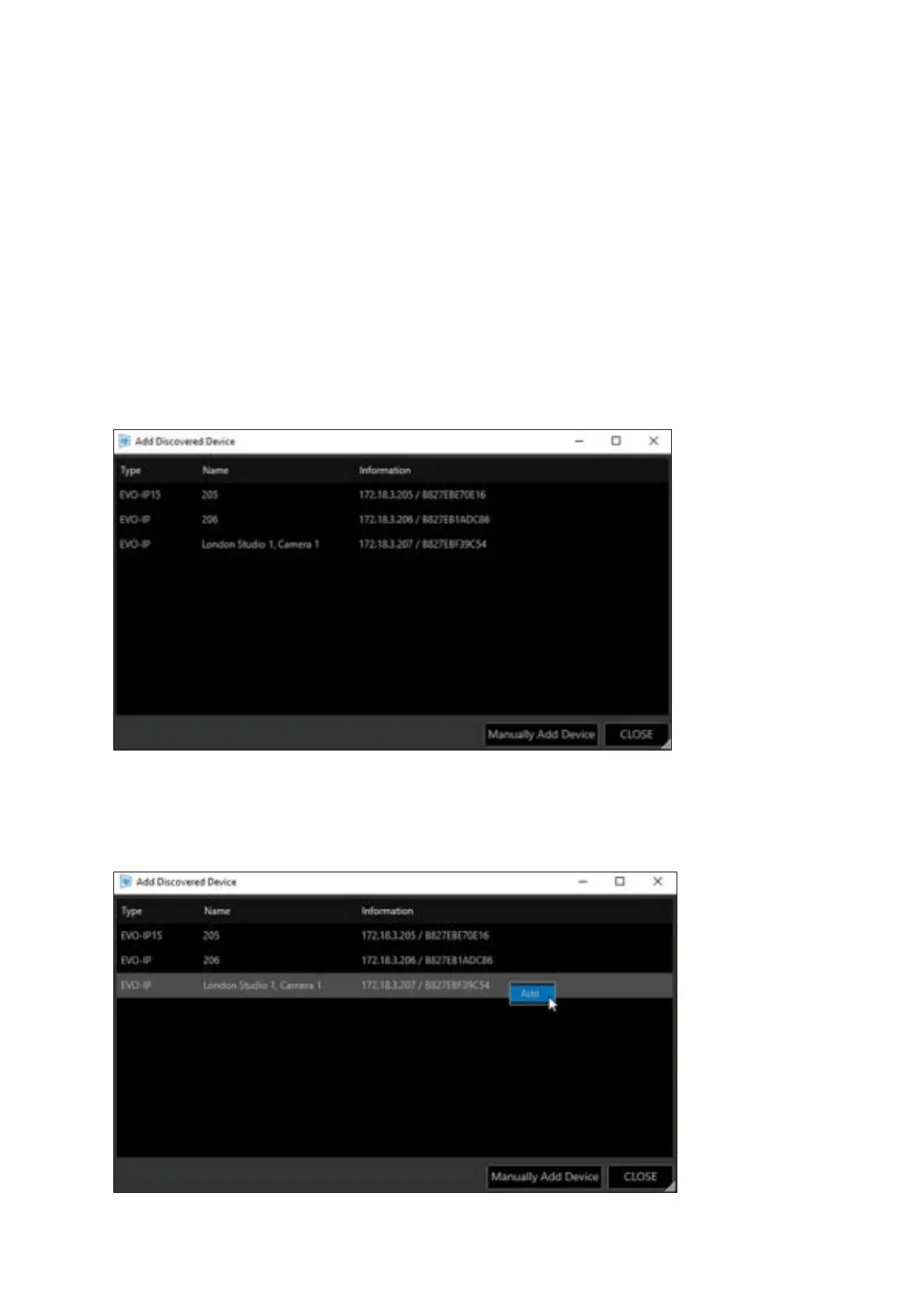
When “Add Discovered Device” is clicked, a list of the available devices connected to the network
will populate. The window shows the type of device available, its friendly name, its IP address and
MAC address:
Right click and select “Add” or double click on the selected device:



 To Next Page