Page | 126
Presenter Settings
Overview
Text, and display parameters unique to each presenter, can be decided via the Presenter Settings
function.
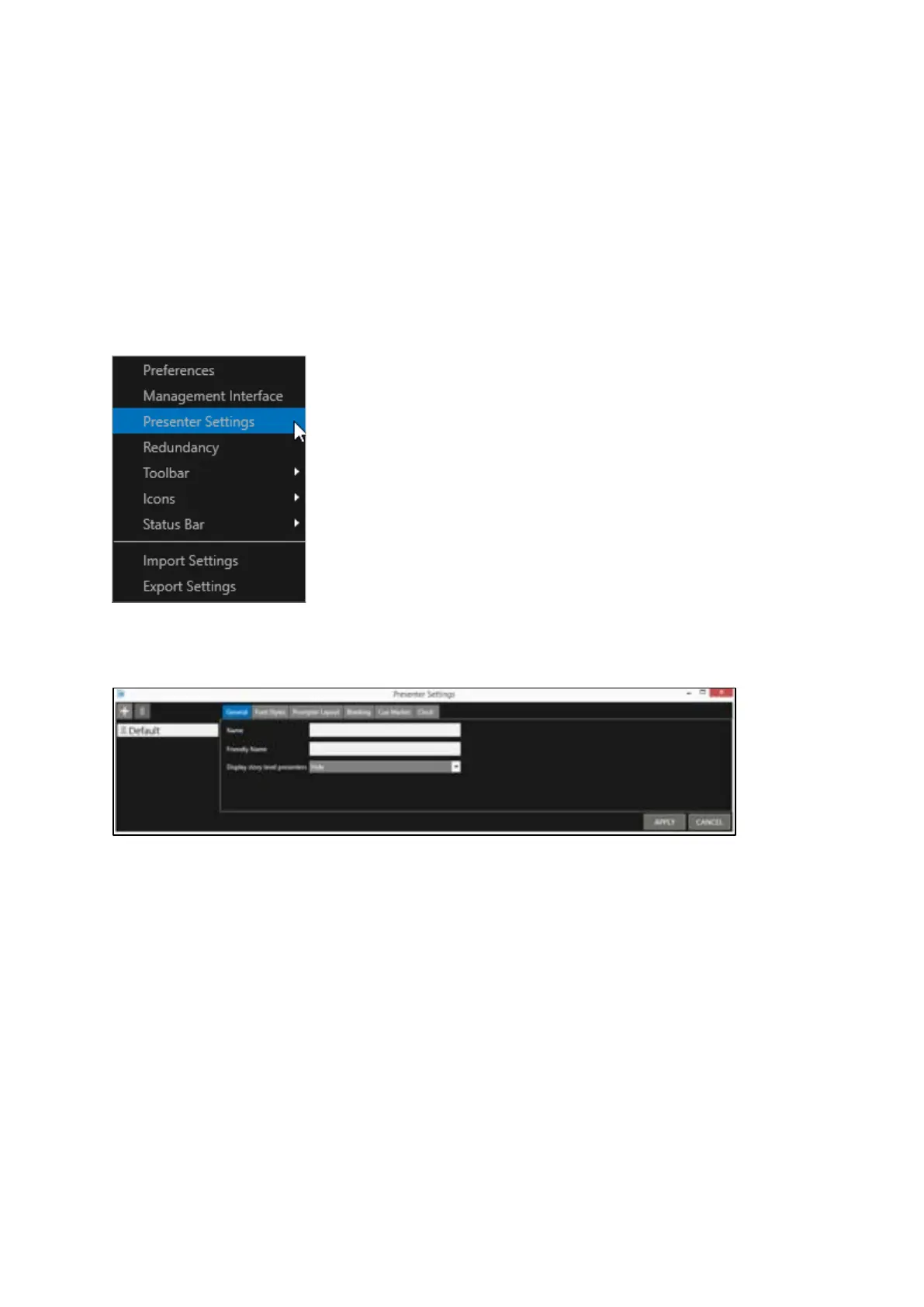
Click Settings/Presenter Settings in the main toolbar or, in the Story Editor Window, click
Burger/Presenter Settings
This will launch the Presenter Settings window
This window will display a list of the configured presenters.
Please Note: When WP-IP is first installed, a presenter profile named Default is shown.
The settings enable you to determine the parameters of multiple kinds of text, including:
• Story Text
• Sluglines (story headers)
• Instructions
• Sound On Tape
• Prompt Name (the presenters name shown in the script)
• Break
• Read Rate (to calculate the estimated run time of the story based on words per minute)



 To Next Page