Page | 49
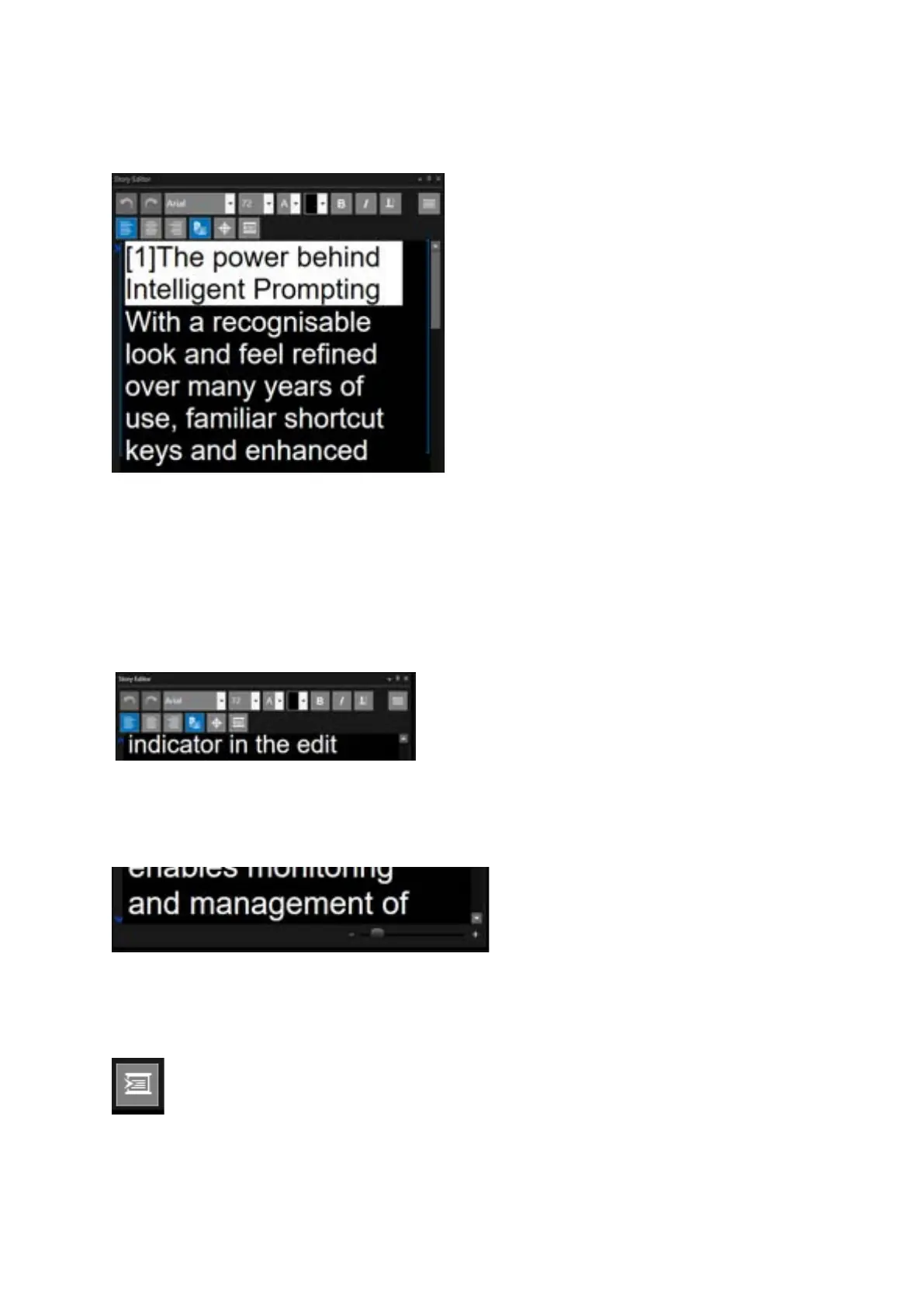
Story Editor Position Indicators
When Follow Prompter is off the chevron will indicate where the text displayed in the Story Editor
window is relative to the text displayed in the Prompter Preview Window.
If the location of the text in the run order displayed in the Story Editor window is below the text
displayed in the Prompter Preview Window the arrow will point up
If the location of the text in the run order displayed in the Story Editor window is above the text
displayed in the Prompter Preview Window the arrow will point up
To have the script in the Story Editor window match that in the Prompter Preview Window click the
Scroll to Prompter icon
Blue brackets on either side of the
text in the Story Editor window
indicate the section of text which is
displayed in the Prompter Preview
window
A chevron/arrow in the left hand of
the window shows the matching cue
marker position in the Prompter
Preview window



 To Next Page