Page | 196
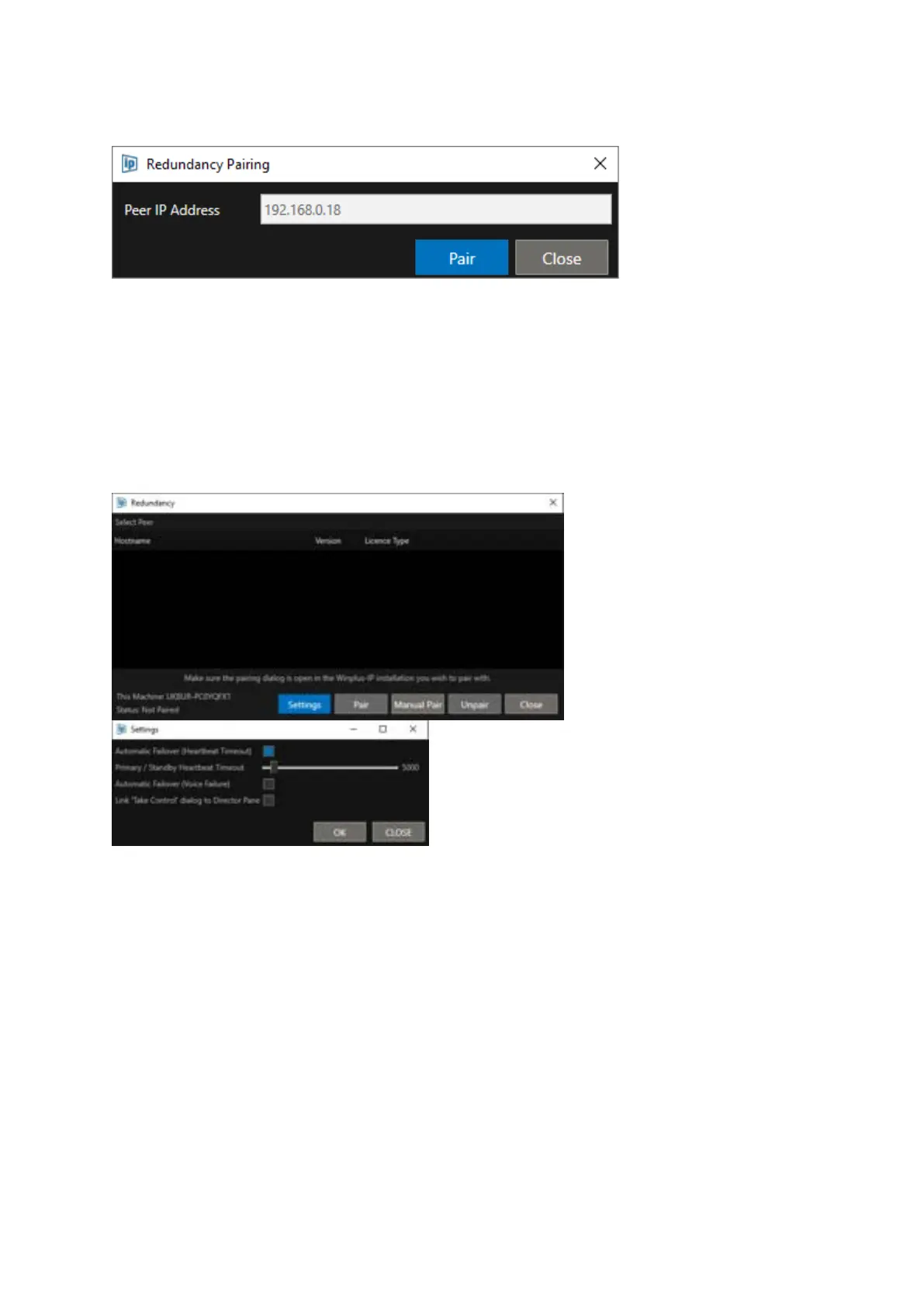
Enter the IP address of the redundant peer and click Pair.
Additional Redundancy Tools
To view additional options, click on the Settings button
Automatic Failover (Heartbeat Timeout): When selected failover from the Live to Standby machine
will happen automatically if there is no response within the heartbeat timeout. When unselected
failover will be done manually.
Primary / Standby Heartbeat Timeout: Both machines send heartbeats to each other to determine
connected state. This setting determines how long the Live machine will wait for a heartbeat
response before automatically switching to the Standby machine. Values are in milliseconds
(1000ms/1 Second to 60000ms/1 Minute).
Please Note: If a loss in network connectivity between the Live and Standby machines causes a
failover, when that connectivity is restored both machines will be in the Standby state and the user
will need to select Take Control on the machine they want to be Live.



 To Next Page