Page | 252
Display
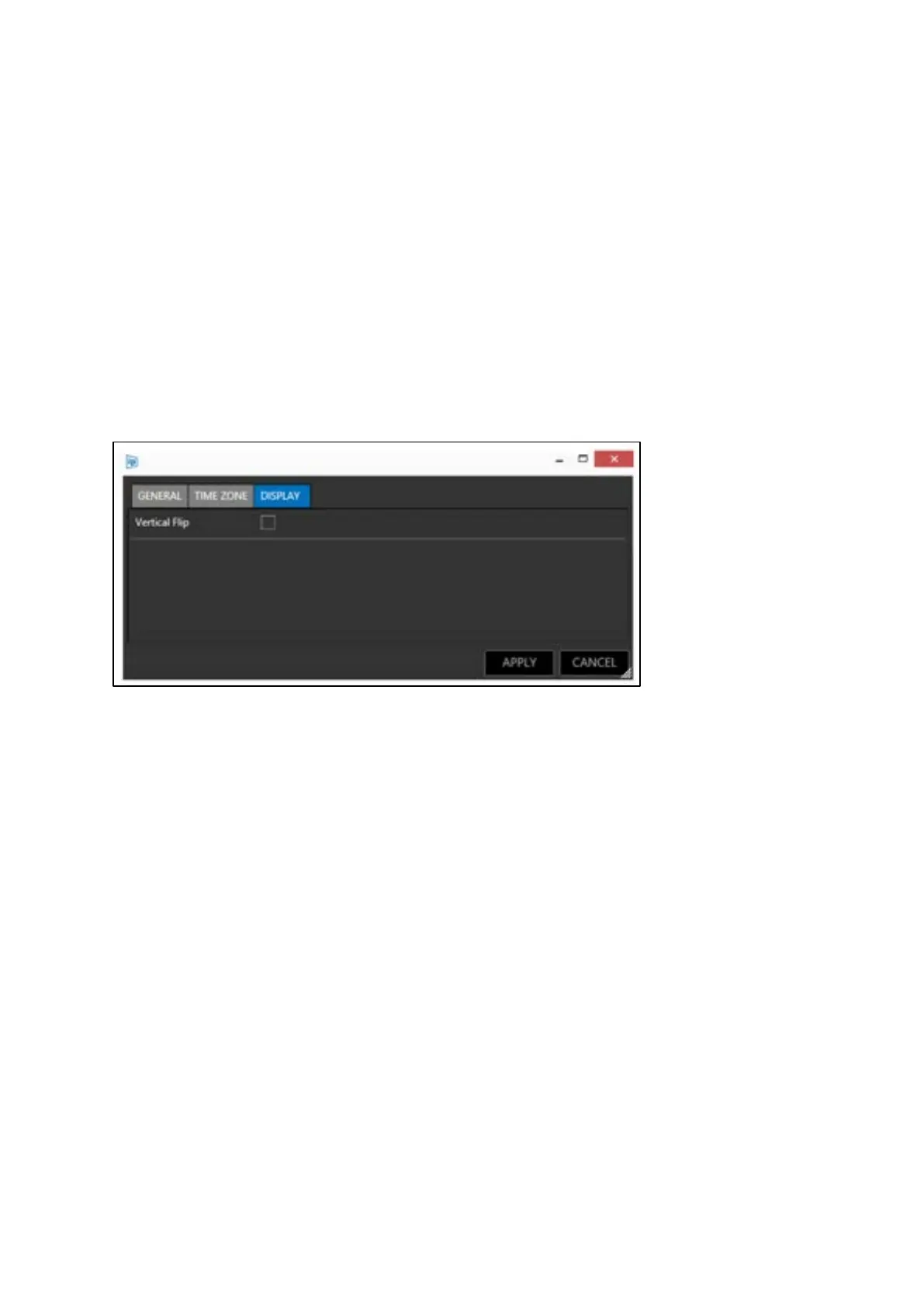
Orientation of the image displayed on the iDevice can be changed in the display tab.
When used in a through-the-lens configuration (with a hood and glass) the text will need to be
vertically flipped for the presenter to be able to read the reflected image.
If the iDevice is not used in a through-the-lens configuration (with a hood and glass) the orientation
does not need to be vertically flipped. This is known as straight read configuration and means the
image is orientated correctly for hand-held or above lens use.
To use the iDevice in a through-the-lens configuration (with a hood and glass) check the box Vertical
Flip.
To use the iDevice in straight read configuration, uncheck the box Vertical Flip.
Prompting Control
The loading of script text and speed and direction of the scroll is determined by the operator and
controllers which are connected to the WP-IP application.
There is no direct local control of the scrolling text in the iEVO application.
Script commands sent from the WP-IP application to EVO-IP, EPIC-IP and XBOX-IP are also
automatically sent to iEVO.
The script is sent as data packets via the network and the image rendering is done within the iEVO
application running on the iDevice.
If the network connection is lost between iEVO and WP-IP the script will disappear from the iDevice
and the application will display the Identify screen.



 To Next Page