Page | 120
Sluglines
Slugline is the term used to refer to the text marker at the start of a story.
Slugline Configuration
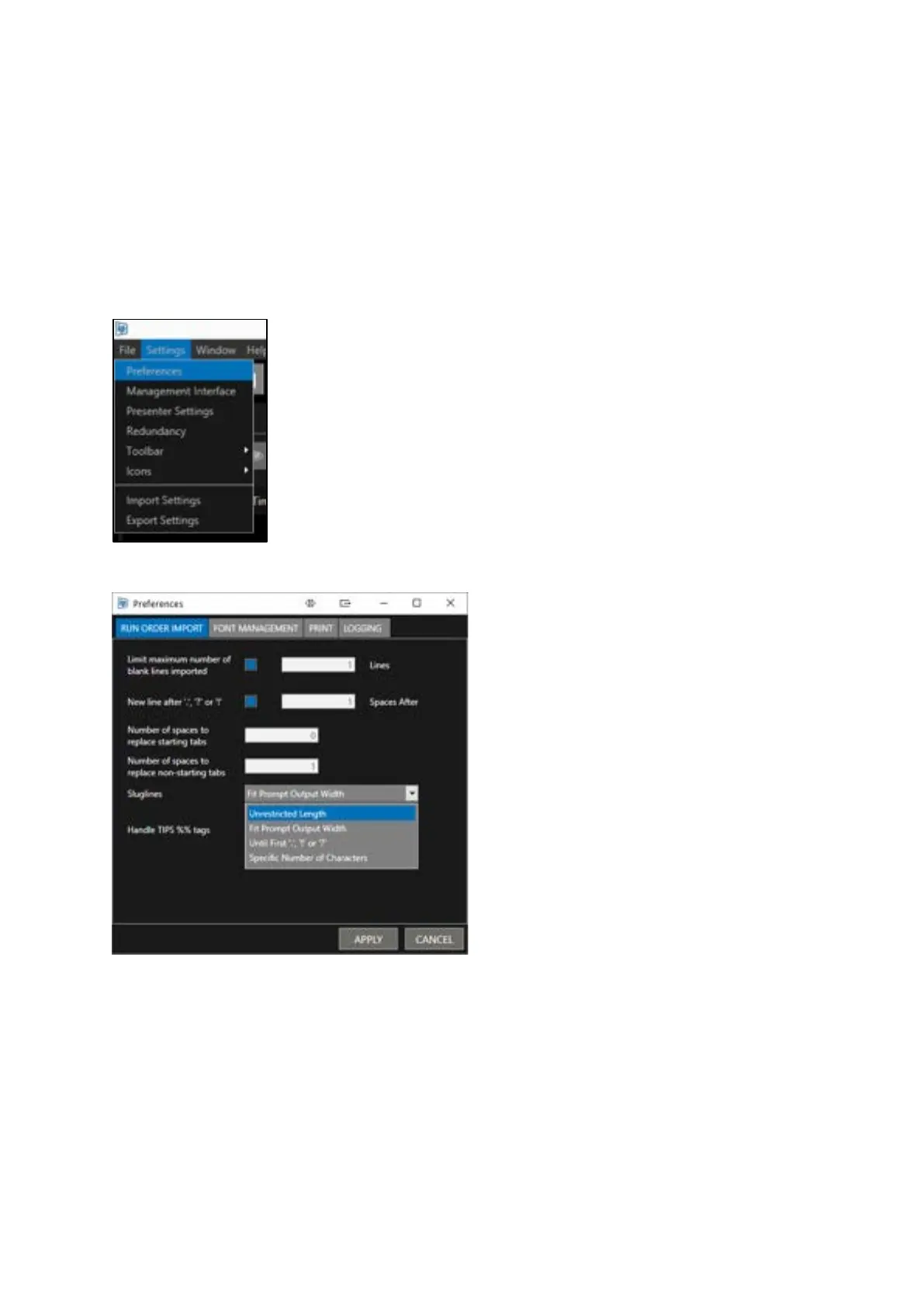
Slugline configuration can be accessed by clicking Settings/Preferences in the main toolbar:
A pulldown in the Runorder Import tab offers 4 different slugline settings
Unrestricted Length: All text up to the end of a paragraph will be converted to a Slugline
Fit Prompt Output Width: The slugline length will match that of the text in the corresponding line of
text in the Prompt Preview window
Until First “.”, “!” or “?”: Text will be converted to a slugline up to the selected marker. All text after
that marker will be discarded
Specified Number of Characters: Selecting this option will open a field where the user can enter an
integer to determine how many characters they would like to be converted to Slugline



 To Next Page