Page | 210
Reset To Default
To “unapply” all settings to a Configuration click on the desired Configuration to select it and then
click the Reset To Defaults button
Resetting to defaults will not delete the Configuration but the Configuration will appear as empty in
WP-IP, i.e. as if a Configuration was saved as an empty Configuration and then applied.
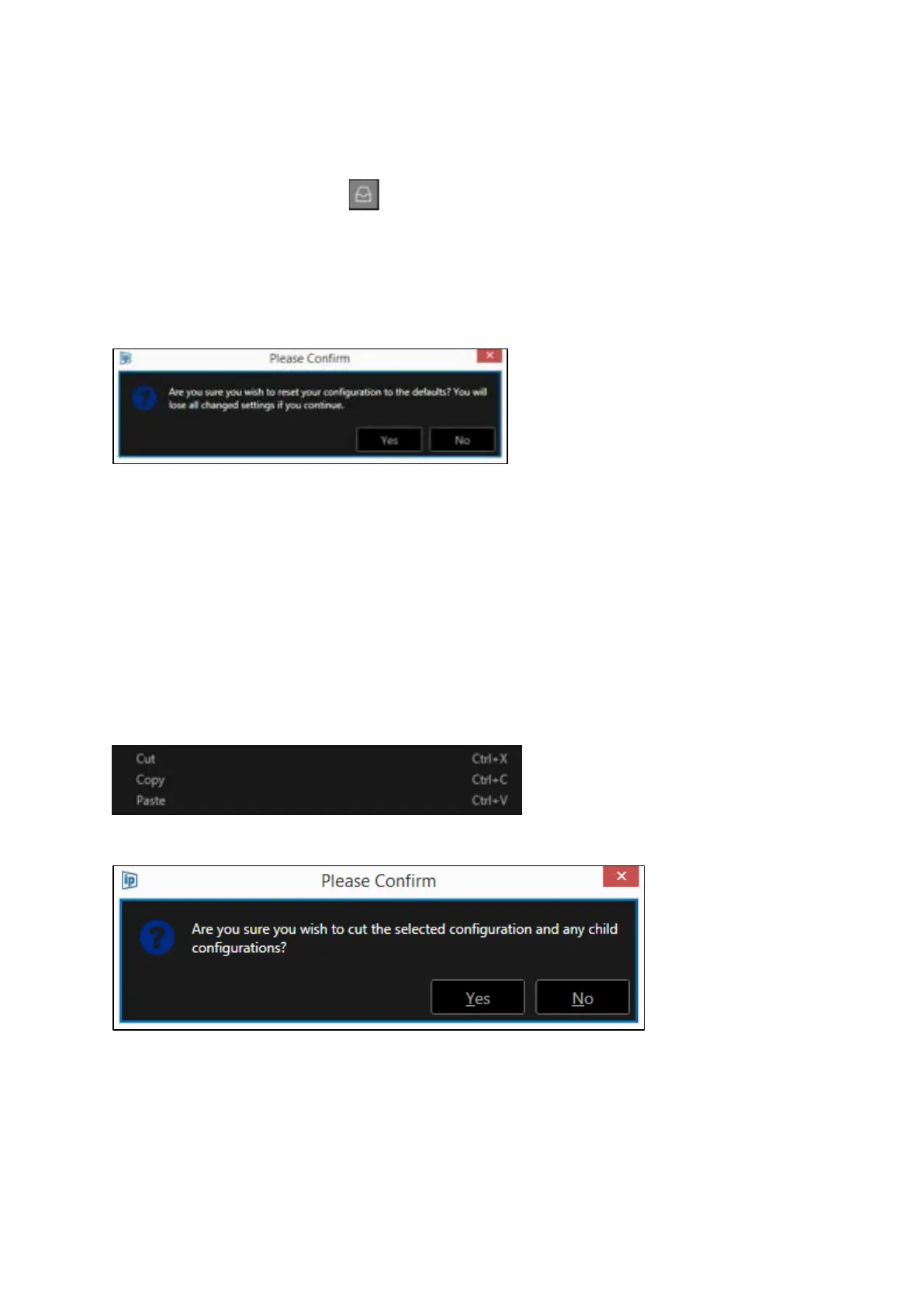
When selecting this option a confirmation box will open:
Click Yes or No to reset, or close the confirmation box
Move & Duplicate Configurations
If you would like to save time when creating or adding Configurations you can move or duplicate
existing Configurations.
Click on the desired Configuration to select it, then right click and select Cut, Copy or Paste
Please Note: shortcut keys can be applied without the need to right click.
Please Note: When Cut is selected a confirmation box will open:
Click Yes or No to cut the selected Configuration, or close the confirmation box
To add a Child configuration to an existing Parent Configuration:
Put the cursor on the name of the Parent Configuration you would like to add the copied
Configuration to. Right click and Paste or use the shortcut CTRL + V.



 To Next Page