Page | 211
To add as new Parent Configuration:
Click any blank area in the Configuration window (i.e. not on an existing Parent or Child
Configuration). Right click and Paste or use the shortcut CTRL + V.
Delete A Configuration
To delete a Configuration click on the configuration you want to delete to select it and then click the
Delete button .
This will delete the Configuration and, where applicable, any Child Configurations also.
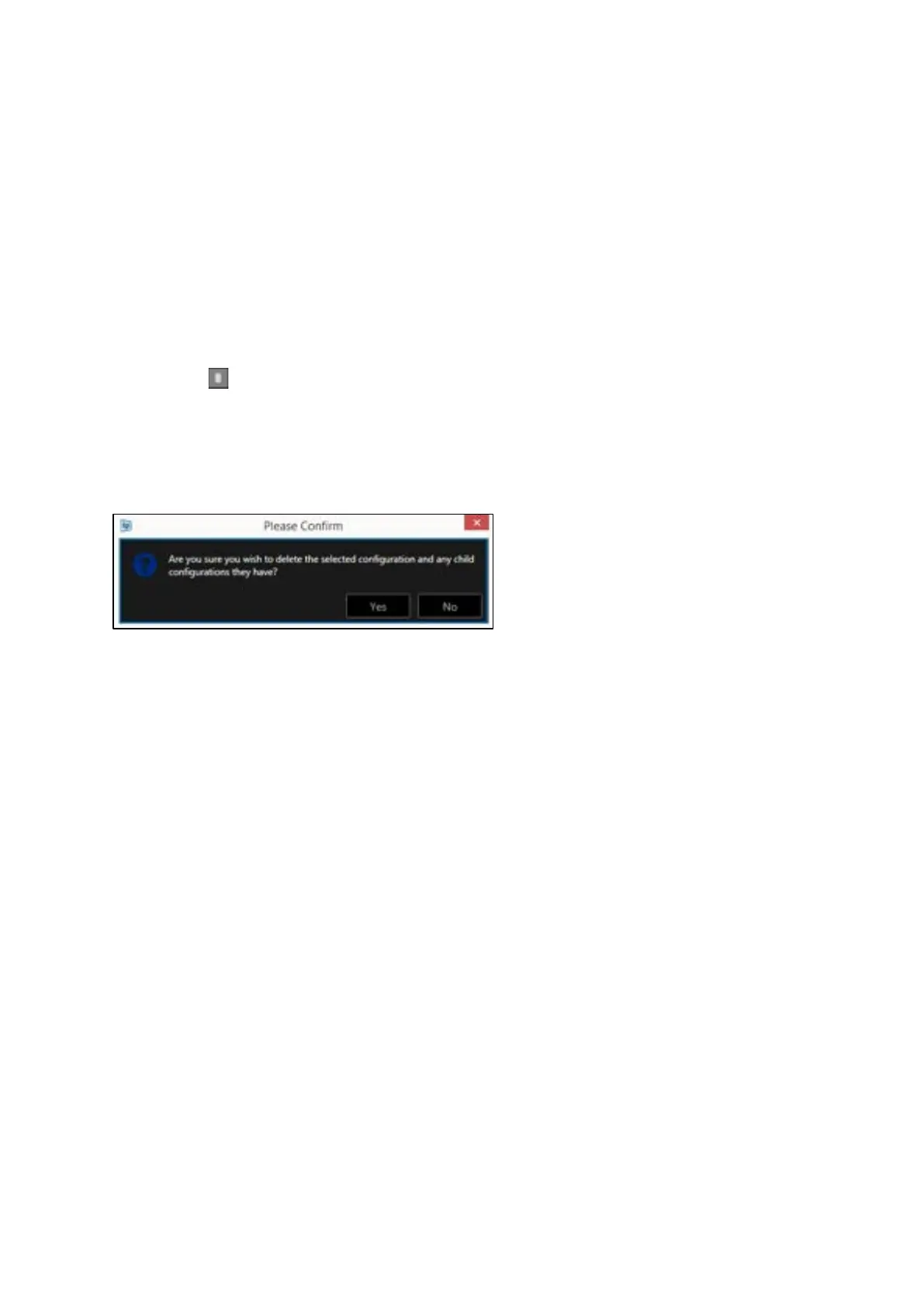
Before deletion a confirmation box will open
Click Yes or No to Delete, or close the confirmation box



 To Next Page