Page | 240
Connection Requirements
iEVO requires a wired or wireless network connection to connect to WP-IP.
When iEVO is installed on the iDevice and opened the app will send out a UDP
(User Datagram Protocol) broadcast which will make the iEVO application visible to WP-IP.
In order for WP-IP to be able to detect this UDP broadcast the laptop/PC running WP-IP will typically
be on the same network as the iDevice which iEVO is running on.
Please Note: UDP broadcasts do not typically transmit through different subnets.
However, IT engineers may be able to configure a route between two networks (tunnel/VPN) which
enables iEVO to connect to WP-IP. In this case there should be no issues connecting the iDevice to
WP-IP even though they are not on the same network.
This will require the device to be entered manually using the VPN IP address. The VPN connection will
need to allow traffic on port 5000 for the iEVO application to be able to communicate with WP-IP.
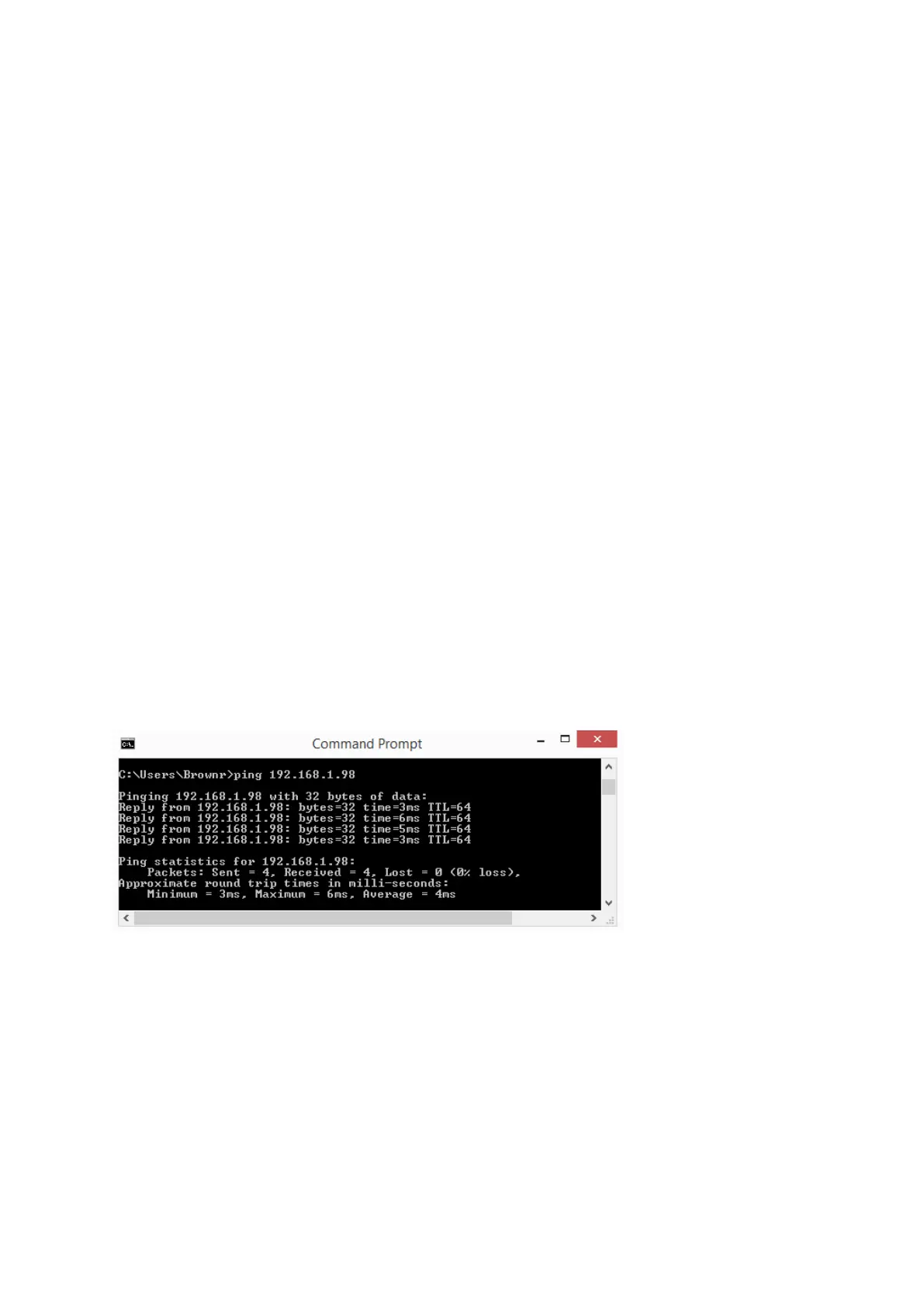
If you have issues connecting to iEVO run a ping test to see if you can access it.
• Launch the Command Prompt
• Type ping (space) IP Address
In this example the device IP is 192.168.1.98



 To Next Page