Page | 114
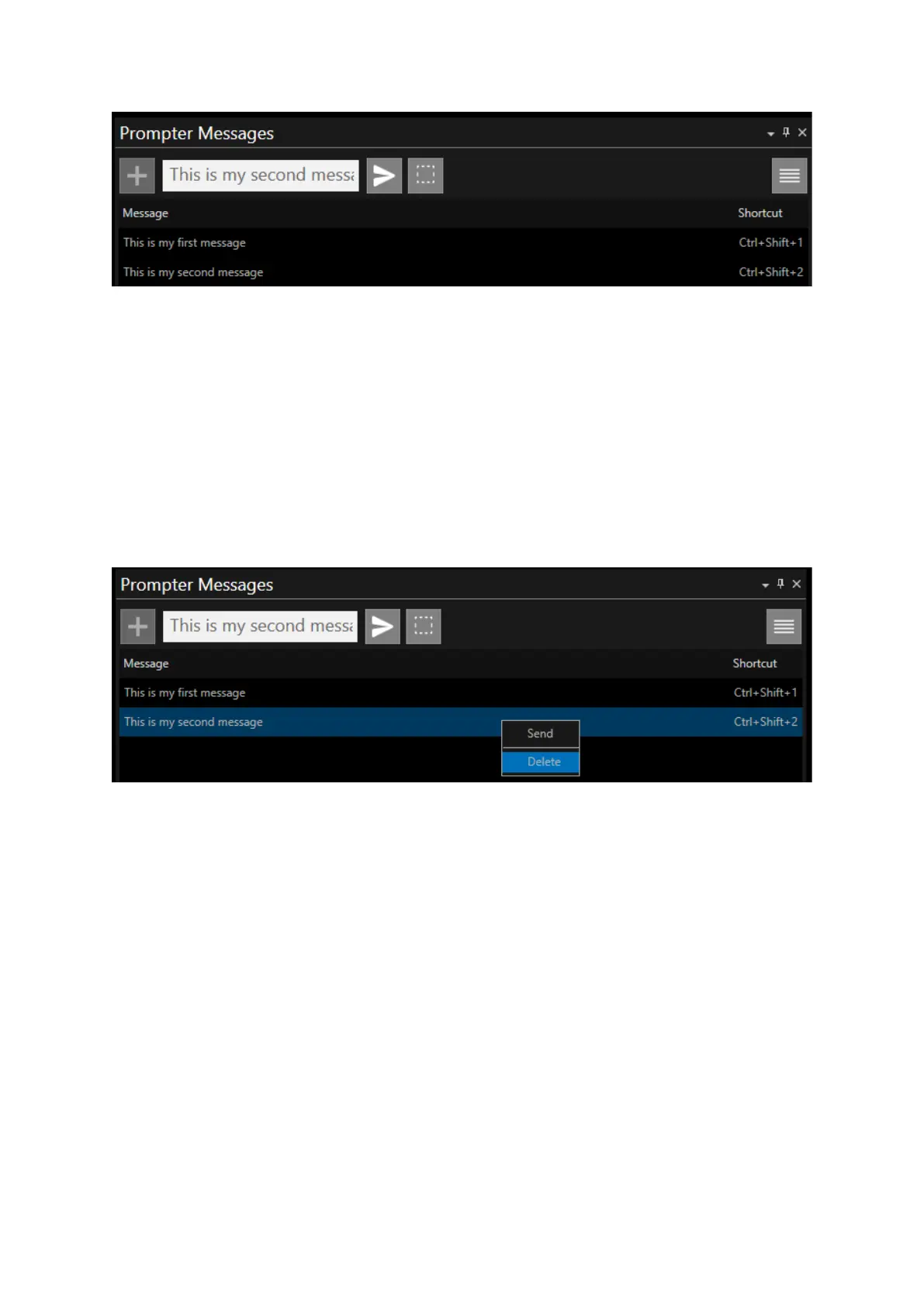
If all 9 shortcut slots are occupied you will not be able to store a new message until one of these
messages is deleted.
Although you cannot store more than 9 messages, WP-IP will store 50 messages in memory.
When you start typing into the text box it will autofill these messages from the data base.
Deleting A message
If you no longer need a message, or would like to free up the shortcut for another message, right
click on the message and click Delete.
Right Click SHFT or CTRL to select and delete multiple messages at the same time.
Showing/Hiding Messages
There are a number of methods you can use to show messages.
From the text box:
• With the cursor in the text box click enter when you have finished typing
• Click the send button
From the Message itself
• Right click the Message and click Send
• Double click on the Message
• Enter the shortcut CRTL+SHFT+1-9 to load the Message into the text box. If the cursor is in
the text box then click enter



 To Next Page