Page | 38
Displaying Device IP Address
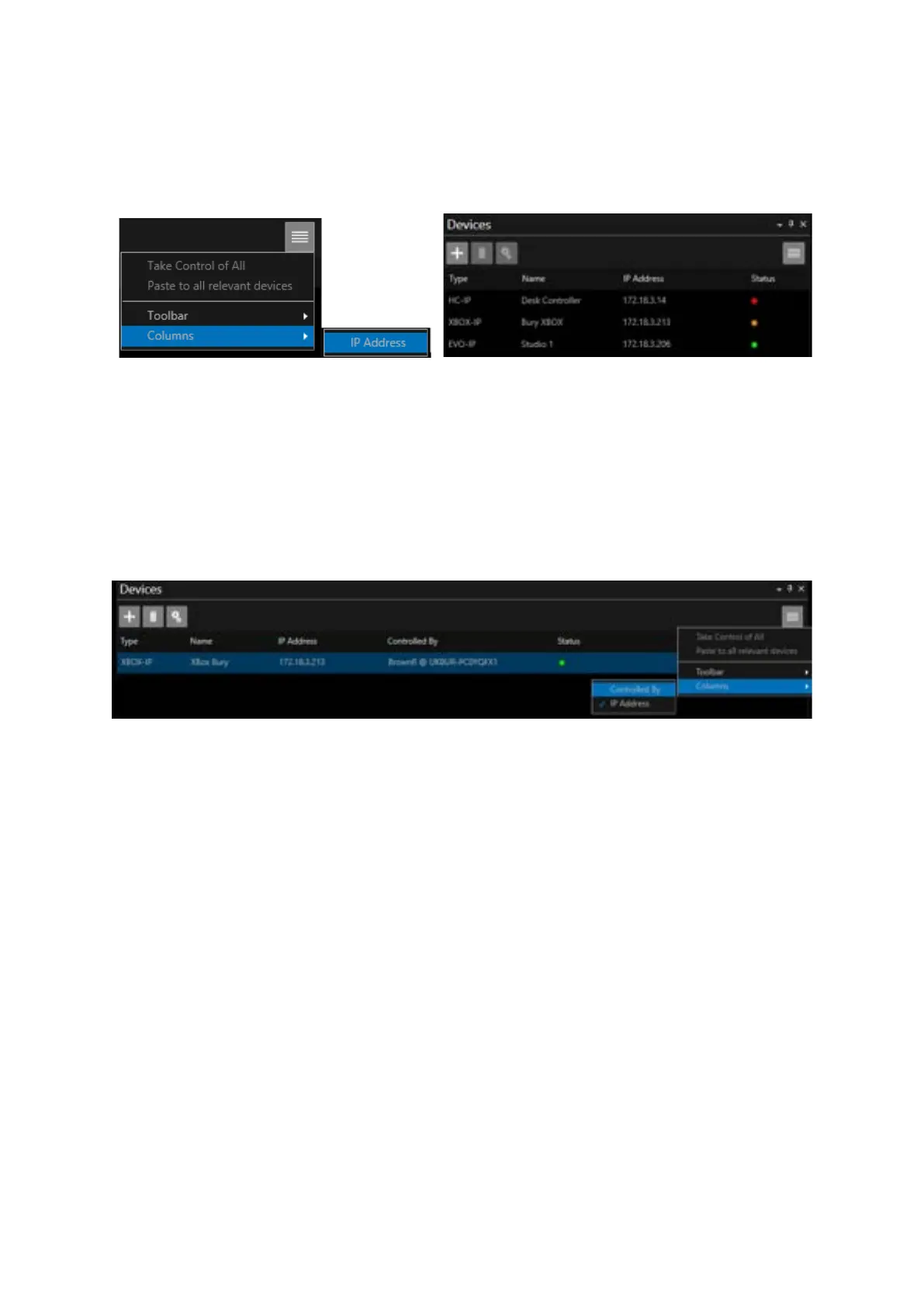
To display the device IP address in the devices pane, click the burger then Columns/IP Address
Displaying Device Ownership
To display the name of the machine which currently has ownership of a device, in the Devices pane
click the burger then Columns/Controlled By:
This column will display the users name @ the machine device name.
The users name is the name they are logged into the machine with.
The device name is as seen in the About details of your PC
In the above example the user is BrownR and the machine name is UKBUR-PC0YQFX1.
To take control of the Device
In the below example the WP-IP user is BrownR@UKBUR-PC0YQFX1.
The user wants to take control of an XBOX-IP which is in use by AnisR@UKTW1-004030
To take control of the Device, click to highlight then right click and select Take Control of Selected



 To Next Page