Page | 203
Burger Options:
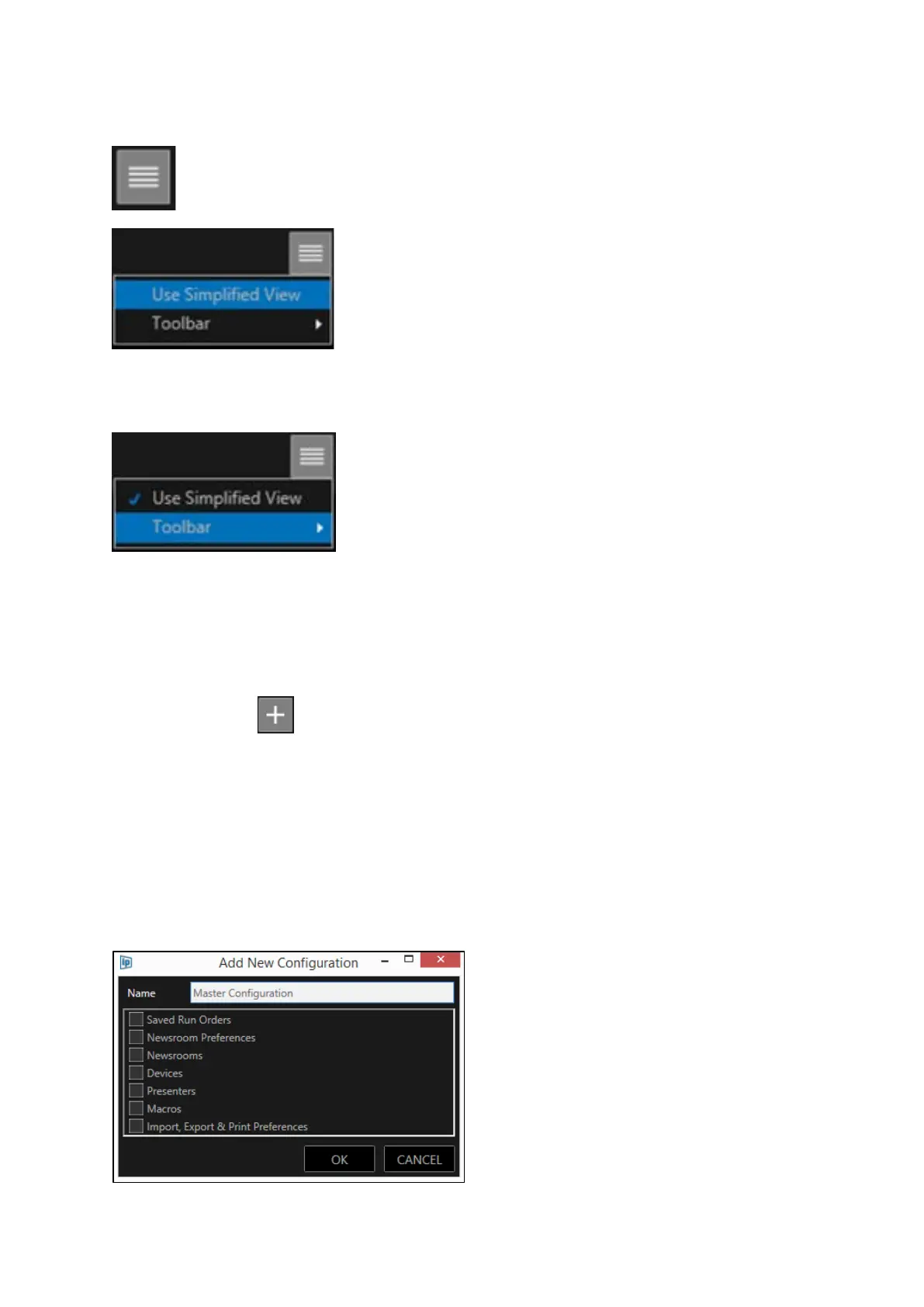
Click the burger in the main toolbar for additional options
Use Simplified View: This will collapse all elements to their top level
Toolbar: This will enable addition or deletion of icons to the main
toolbar and reset them to the default
Add A Configuration
Click the Add button in the Configuration window toolbar.
This will then open the Add New Configuration window.
Complete the Name field (in the below example this configuration is named Master Configuration)
Check the boxes of the elements of the configuration you wish to save.
!IMPORTANT! When an element is checked and then saved, the saved parameters will be the
parameters of that element at that moment in time.



 To Next Page