Page | 233
Adding Autocue Multi Button USB Desktop Control (CON-MB/USB) & USB Foot Control
(CON-FC/USB/001)
These USB Autocue controllers cannot be added using Auto Discovery method.
They must be added using the Manually Add method.
In the Devices pane click the + button and select Manually Add Device
Click the pull down to see list of the devices which can be manually added.
Select Autocue USB Controller
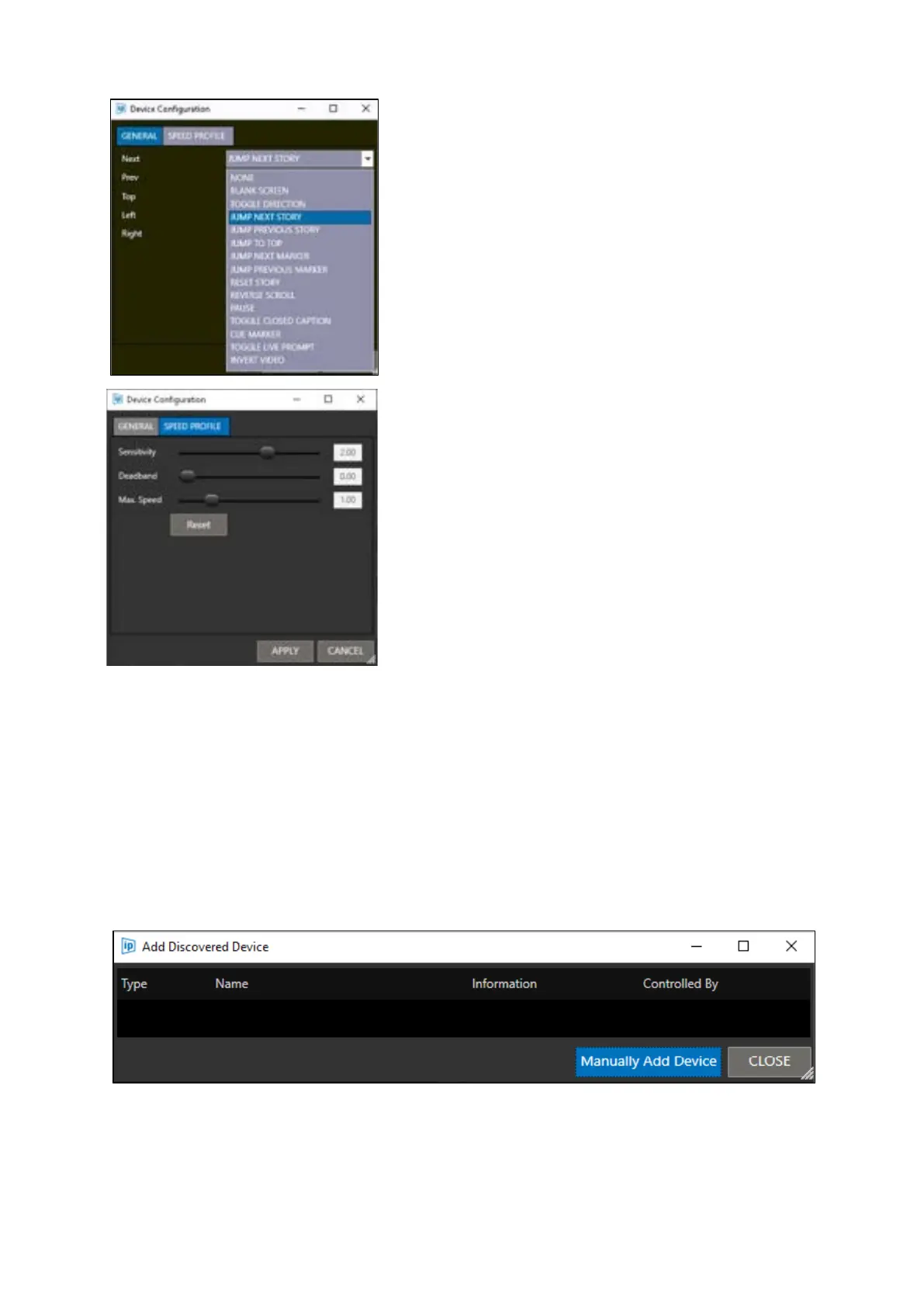
Click the pull down on each button to
change the function assigned to that
button.
Click the SPEED PROFILE tab to adjust
sensitivity, the size of the deadband and
the ShuttleXpress maximum speed.



 To Next Page