Page | 51
Active Run Order Toolbar
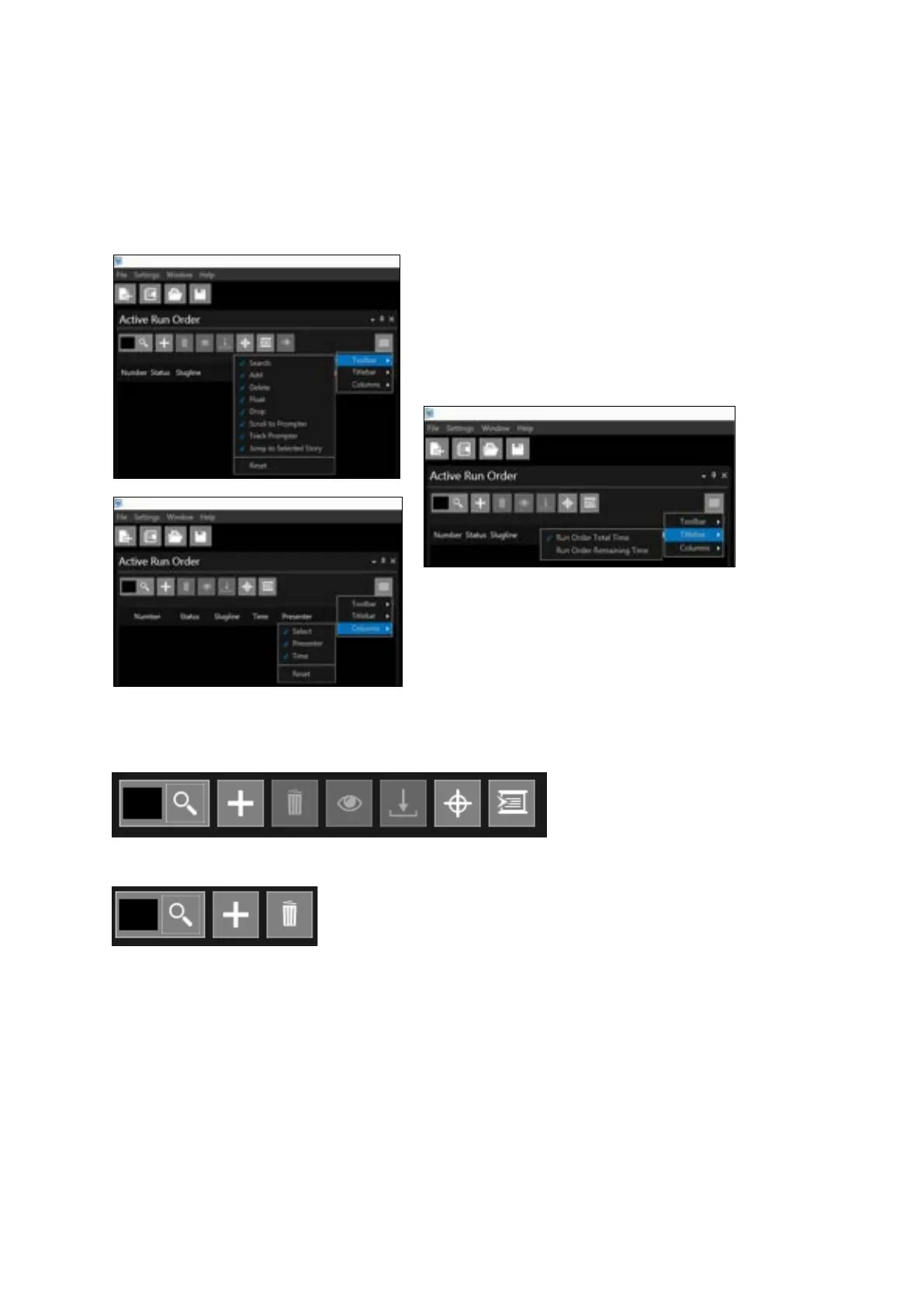
Default functions (icons) are set in the Active Run Order toolbar and Titlebar along with default
columns. These functions and columns can be added or removed by clicking in the burger then
selecting Toolbar, Titlebar or Columns
The default icons in the Active Run Order toolbar are as follows:
Default Icon Features:
Find: Enter a story number from the Run Order list and hit enter and that story will become the live
prompted story
Add: Will add a story to the bottom of the Run Order
Remove Story: Deletes the selected story from the Run Order. Multiple stories can be selected and
deleted simultaneously by holding the Ctrl key while clicking the selected story. A block of stories
can be selected and deleted simultaneously by holding the Shift key while clicking the first and last
story on the block to be deleted.



 To Next Page