Page | 52
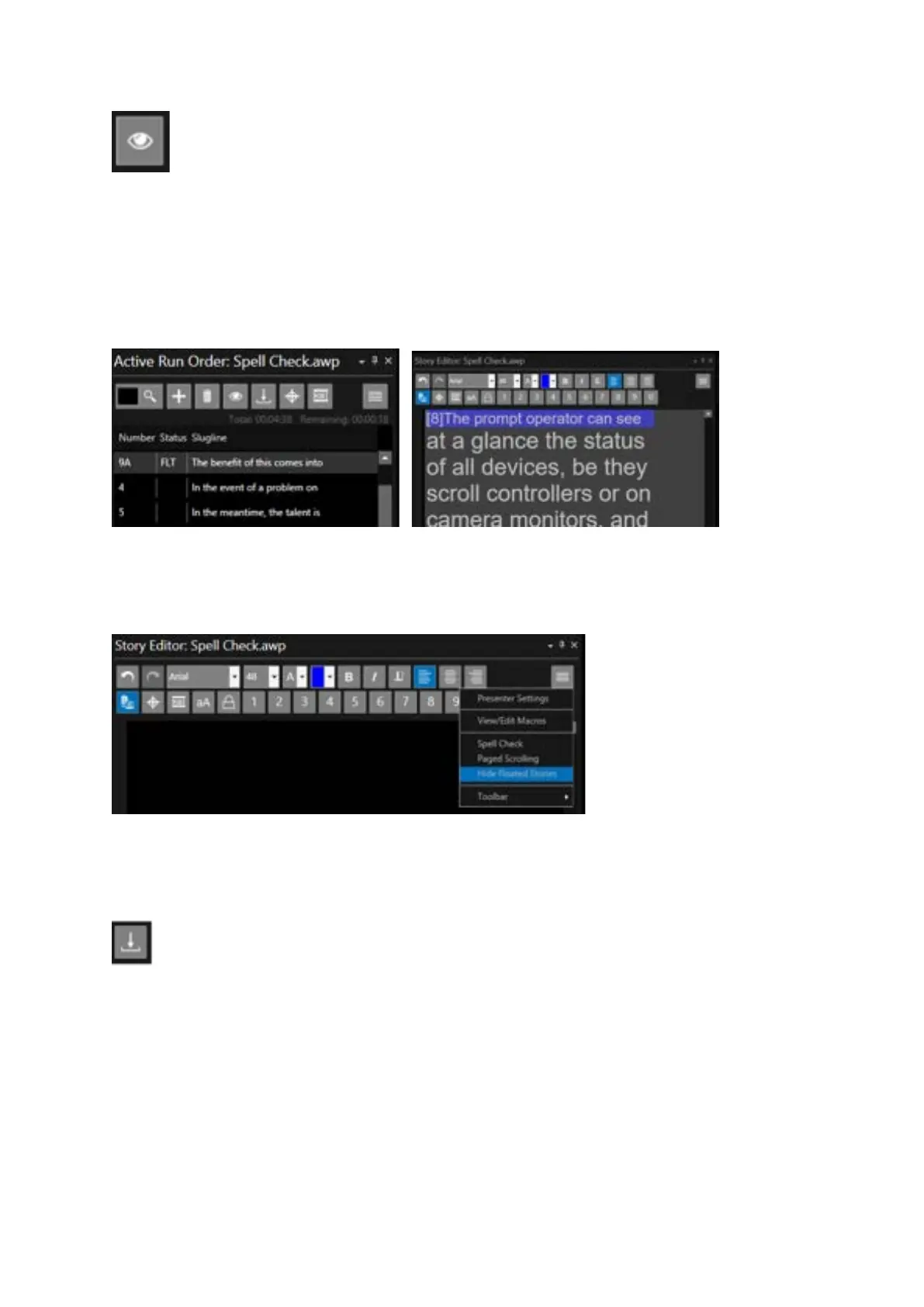
Float Story: this will remove the story from the prompter output but will not delete it. The Status
column in the Active Run Order window will say FLT and the row will have a grey background.
To float a story put the cursor on the story and click the icon in the toolbar
The text will also appear in the Story Editor with a grey background
You can also remove floated stories from the Story Editor by clicking on the burger then Hide Floated
Stories
Please Note: Stories can be floated using a shortcut key. To float put the cursor on the story and click
F2. To un-float put the cursor on the story and click CTRL+F2.
Drop Story: this feature will move the selected story (or stories) from its current position in the run
order to the bottom of the run order.
The Status column in the Active Run Order window will say DRP and the row will have a green
background.
In this example Story 5 is selected. Clicking the icon will drop the story.



 To Next Page