Page | 205
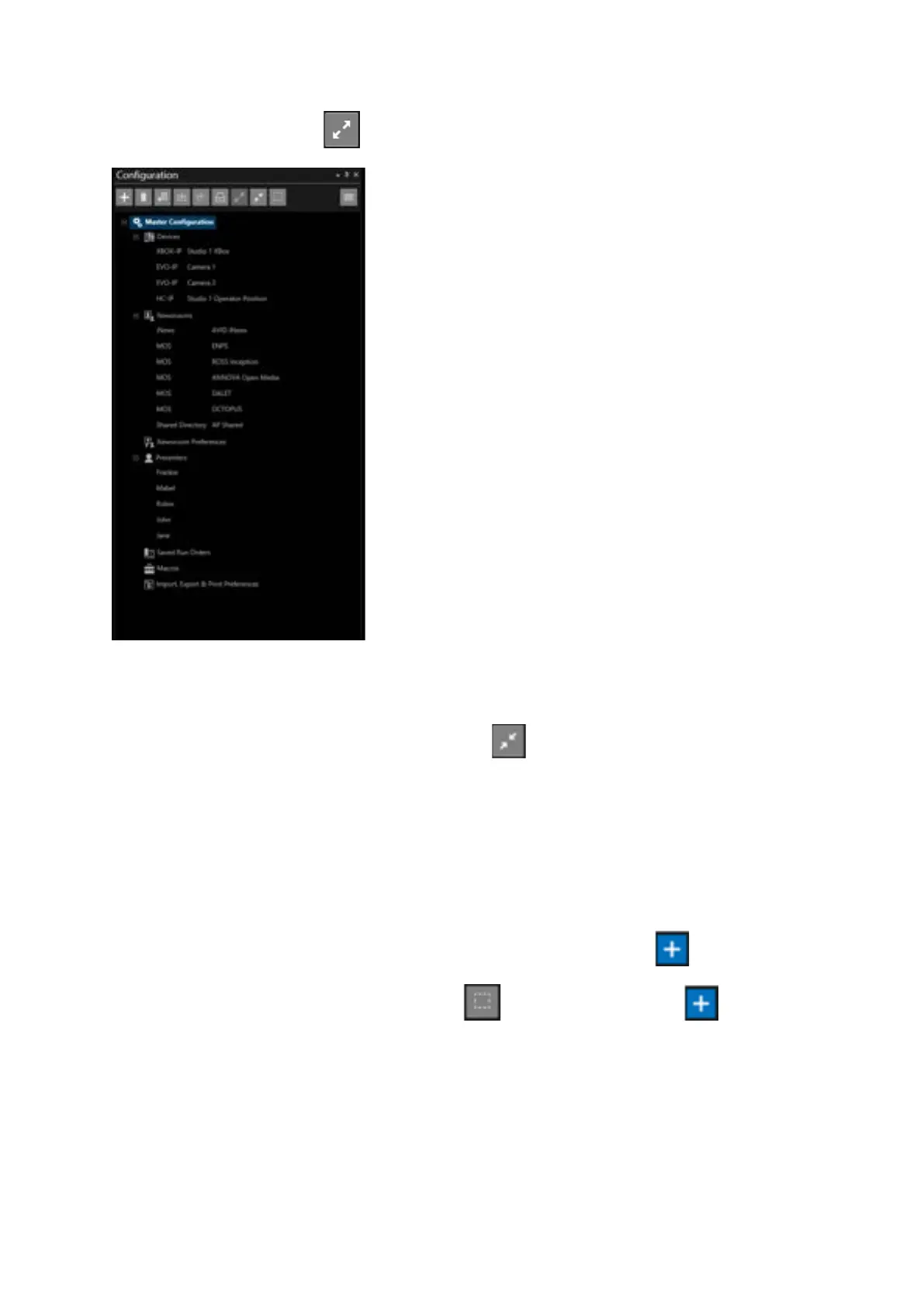
Click on the Expand All button to show the bottom level of the tree
Please Note: where no elements are stored the field will not be expanded.
Newsroom Preference, Macros and Import Export & Print Preferences do not expand.
To collapse all items again click the Collapse All button
Add Parent or Child Configurations
Additional Configurations can be added either as a Child of an existing Configuration or as a new
Parent Configuration.
To add as a Child select a Configuration by clicking it and click the Add button.
To add as a Parent click the Clear Selection button then click the Add button
In the below example a Child branch Configuration named 5PM Running Order will be added to the
Parent “Master Configuration”.



 To Next Page