Page | 191
Legacy WinPlus Settings
Users who have previous experience with Autoscript WinPlus may find it useful when configuring
WP-IP to be able to compare the fields and settings in WinPlus Ultra to those in WP-IP.
Other CC Encoders
No Equivalent in WinPlus Ultra
Closed Caption Access Off
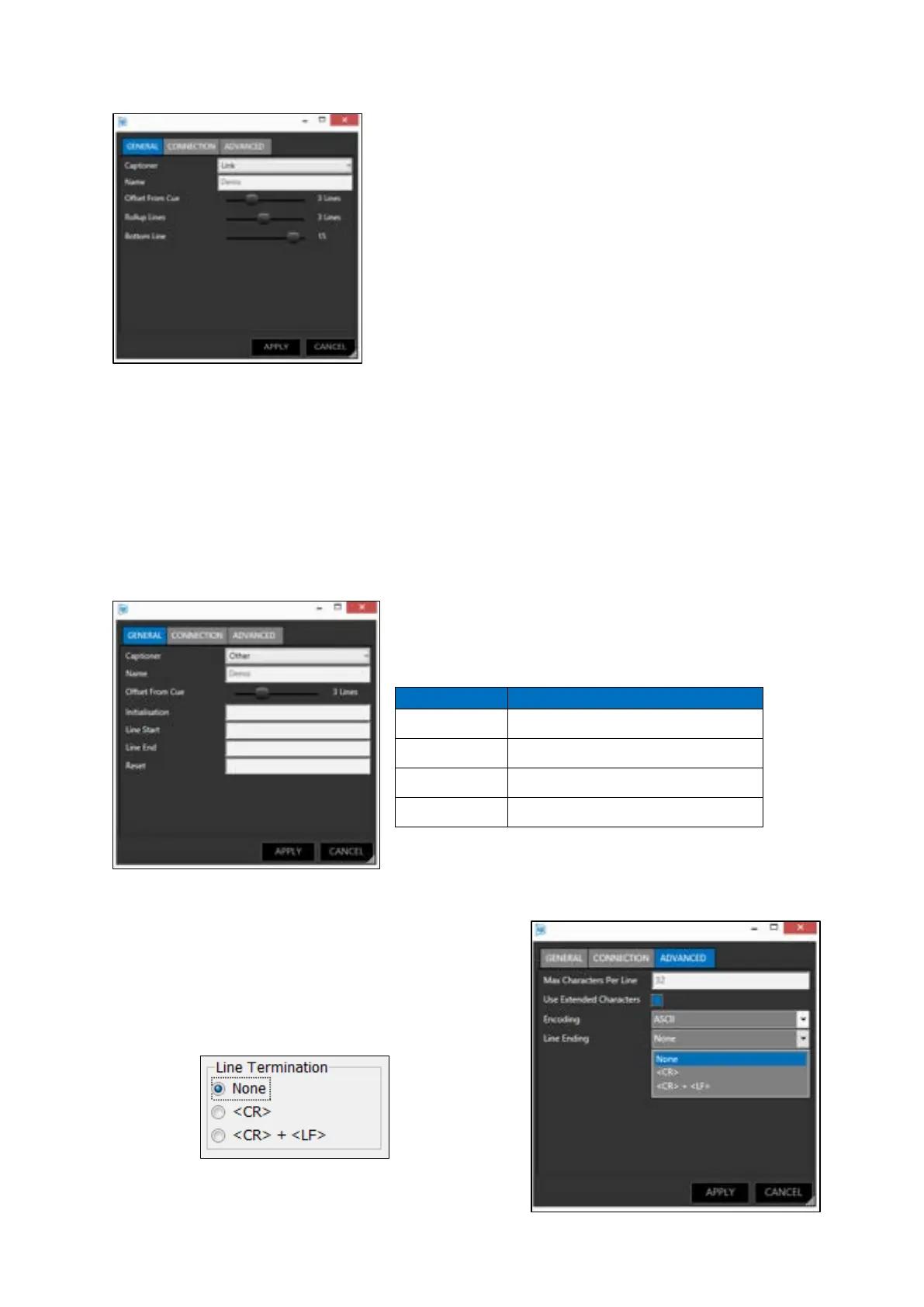
When the CC encoder type is selected as “Other” the fields in
the general tab equate to the following fields in WinPlus Ultra
When the CC encoder type is selected as Link or EEG the fields which
determine the offset from the cue mark, the number of lines of CC
displayed and the position of the bottom line of the CC output on the
screen are all set by using sliders in the general tab.
Please Note: The field Line End has no equivalent in
WinPlus Ultra. However, this can be set in the
Advanced tab to match the options in WinPlus Ultra



 To Next Page