Page | 32
Adding additional Display Devices
WP-IP has a feature which enables a local display output (HDMI, VGA, DP etc.) or NDI stream of the
prompter preview or prompter output.
Please Note: This is a licenced feature, part # WP-IPLPNDI
A maximum of three local or NDI outputs (combined) are allowed. E.g. You can enable 1 x NDI
Prompter and 2 x Local Prompter, or 3 x NDI Prompter and 0 x Local Prompter etc.
It is recommended that NDI 5 or later be used but not essential.
Adding an NDI Prompter
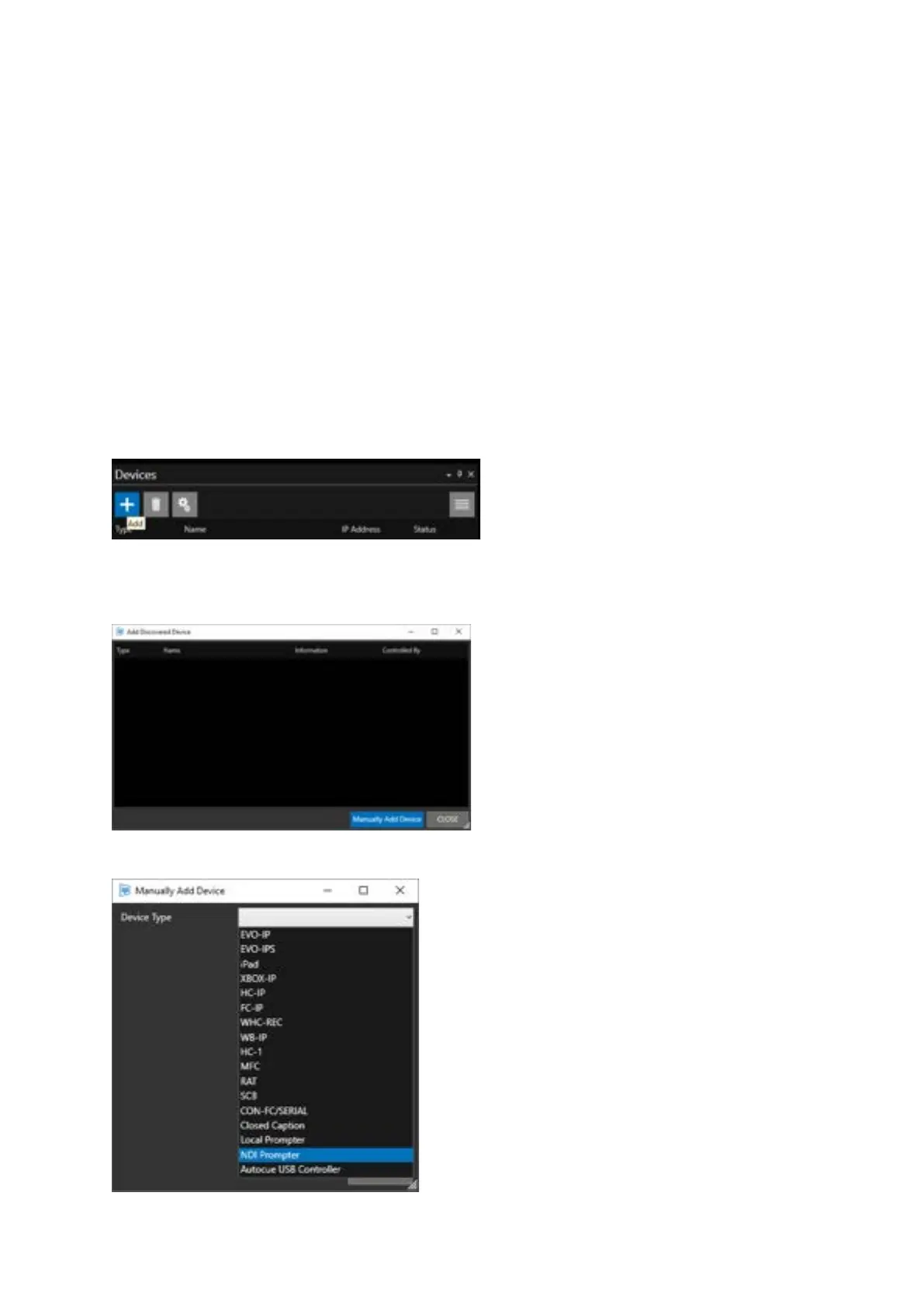
To add an NDI Prompter, in the Devices pane, click the + button.
This will open the Add Discovered Device pane. The NDI Prompter cannot be auto discovered.
You must click Manually Add Device.
Click the pull down and select NDI Prompter.



 To Next Page