Page | 62
Saving A Run Order
To save the script, type “Ctrl+S”.
To open an existing script, type “Ctrl+O”.
Please Note: The default file extension is .awp (Autoscript WinPlus).
Scripts can also be saved as an XML file.
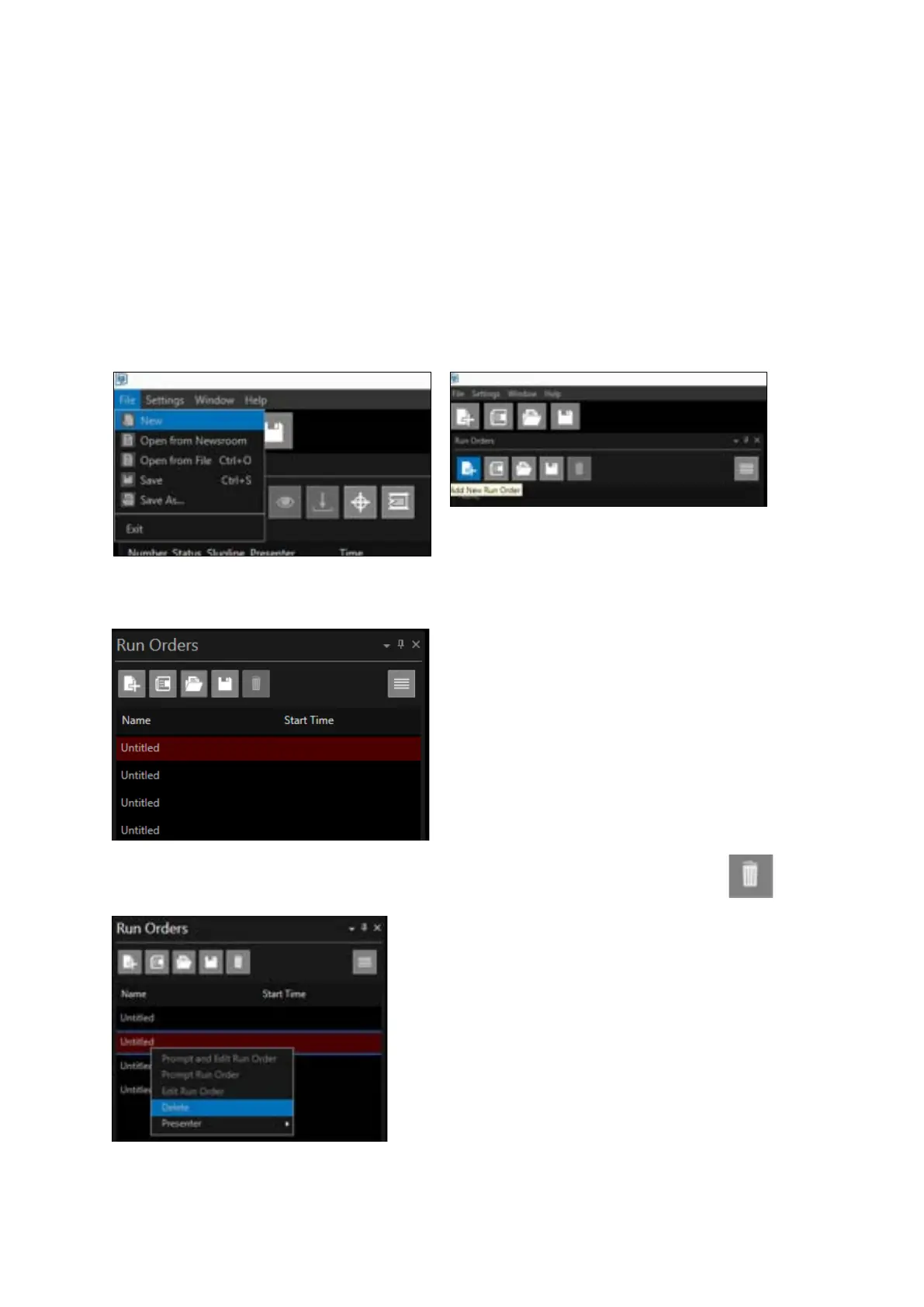
To add a new Run Order click “File/New” or ALT+F + N, or click + in the main toolbar or in the Run
Order window header
You can add as many Run Orders as you require:
To delete a Run Order right click & select “Delete” or click on the run order to & click the icon



 To Next Page