Page | 115
Configure Message Preferences
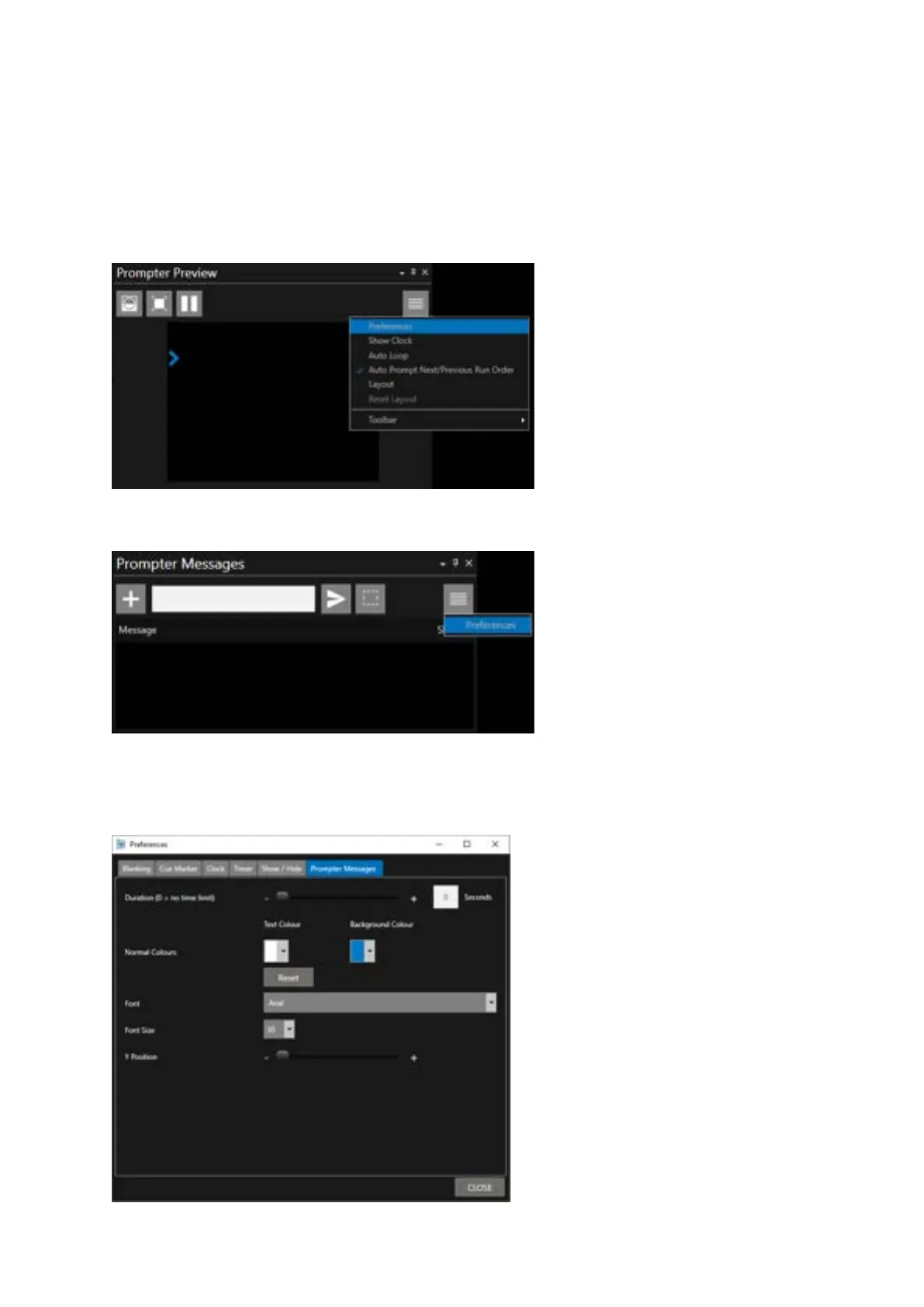
How Messages look, their colour, size, duration of display and position on screen can all be adjusted.
This is done in the preferences pane. This pane can be accessed from two locations:
In the Prompter Preview pane, click the burger and Preferences.
In the Prompter Messages pane, click the burger and Preferences.
If you use the Prompter Messages pane to access the Preferences, the Prompter Messages tab will
be selected when the Preferences pane opens
Duration (0 = no time limit):



 To Next Page