Page | 157
Newsroom Connection & Configuration
Connecting To a MOS Newsroom:
Ensure that you have purchased WP-IPN, registered your machine and entered a Newsroom Licence
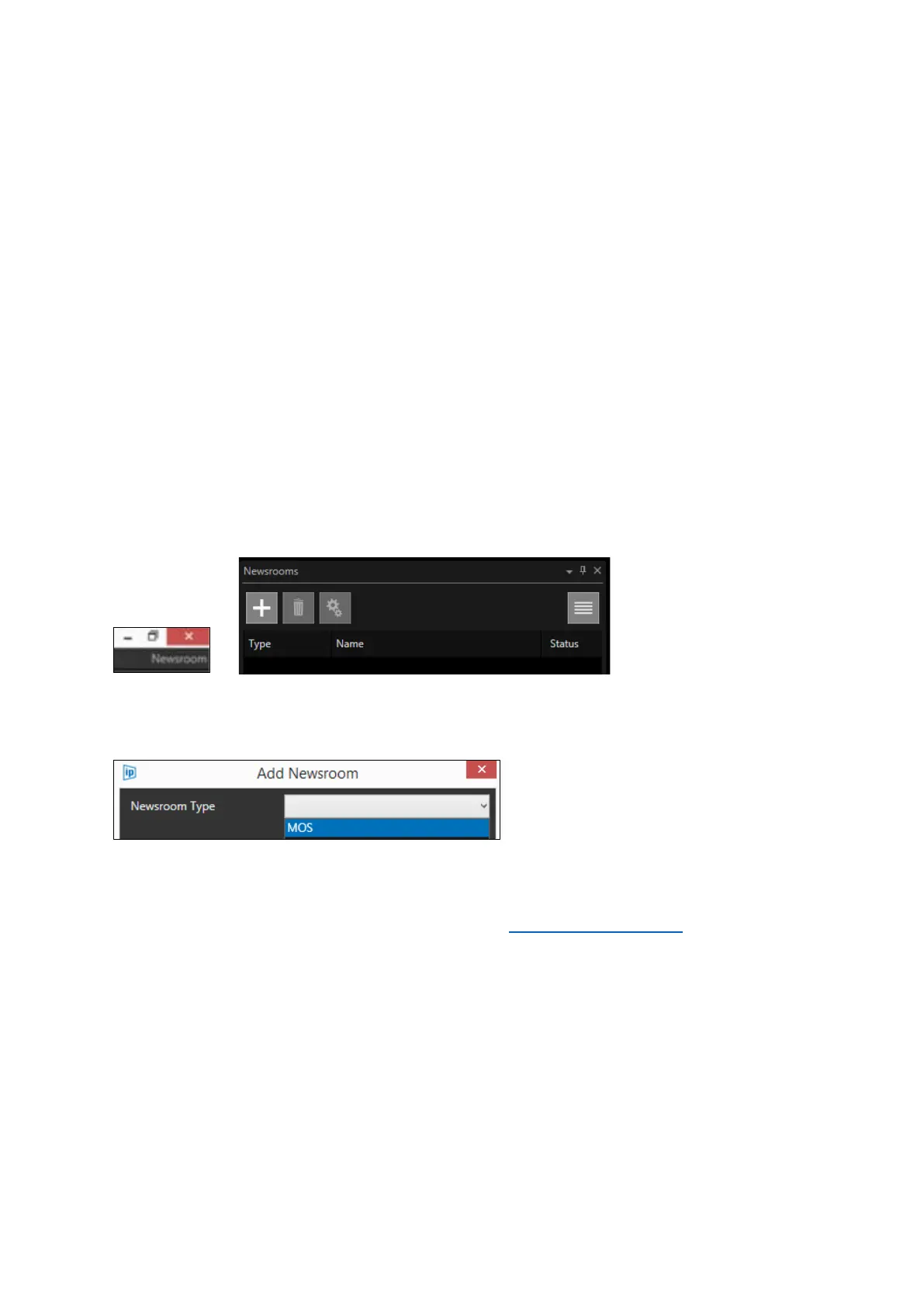
key to access the Newsroom functionality. The application type in the top right-hand corner will
show Newsroom. Click on the plus sign in the Newsrooms window:
When the Add Newsroom box launches click the pull down to select MOS
Please Note: The MOS functionality does not have a Newsroom Specific connection, it uses generic
MOS commands for connection as outlined by MOS here: http://mosprotocol.com/
Supported MOS NRCS include (but are not limited to): AP ENPS, Dalet, Octopus, ROSS Inception,
Tinkerlist, Annova Open Media. Contact Autoscript for more details.
When MOS is selected you will need to complete the blank fields
Please Note: The NCS ID and MOS ID files are case sensitive. It must match exactly the syntax in the
newsroom machine set up.



 To Next Page