Page | 40
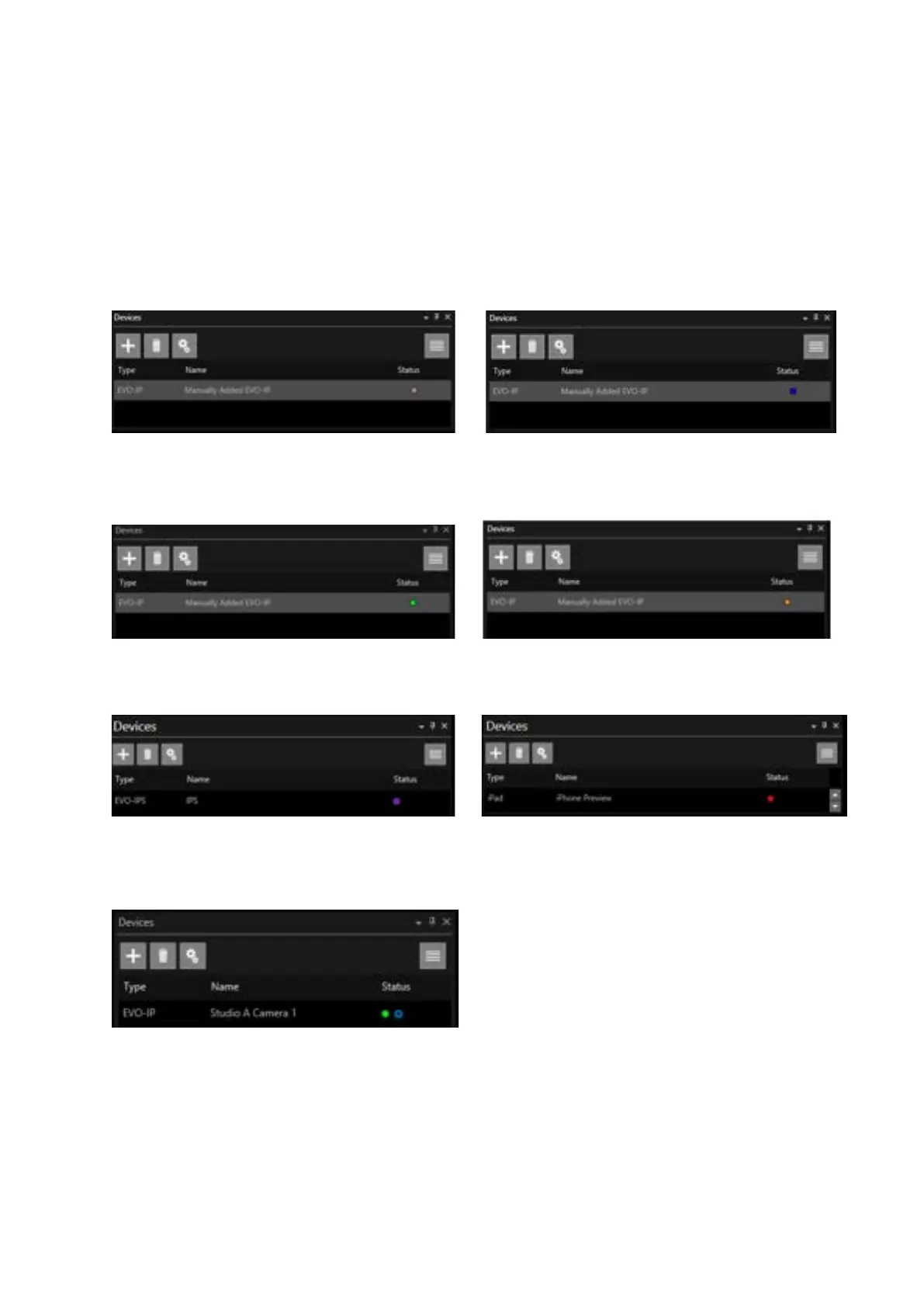
Device Status Light
Devices can have multiple states. The light in the Status column of the Devices window illustrates the
state. Hover over the light to see details of the status
Grey Light with Red Line: Disabled Blue Light: Busy (in use by another WP-IP)
Green Light: Connected Orange Light: Connecting
Purple Light: Device Type Mismatch
Blue Up Arrow: Updating Script (this may flash intermittently)
Re-ordering Devices
Devices can be dragged and dropped to reorder them in the Devices pane.
This is particularly useful if devices are to be ordered by type and a new device is added.
Red Light: Failed Connection



 To Next Page