Page | 192
Redundancy
Overview
WinPlus-IP includes a redundancy feature which enables a second machine running the application
to act as a real-time live back-up for the primary machine. Redundancy provides a failover system
with minimal set-up and delay in switching in the event of an issue.
All devices on the network, including controllers and on-camera monitors, are instantly transferred
from control of the main machine to the standby machine with a single click.
This feature is available in the following versions:
• WP-IPN
• WP-IP
• WP Evaluation
When redundancy is active and initiated all features of the live machine will be paired and replicated
on the standby machine. This includes Presenter settings
Please Note: Layout settings will not be replicated on the standby machine.
Configuring Redundancy
Please Note: Both the Active and Stand-By machine must both have exactly the same Licence Type
and be operating the same software version.
To check your version, see Help/About. They must also be on the same subnet in order to connect.
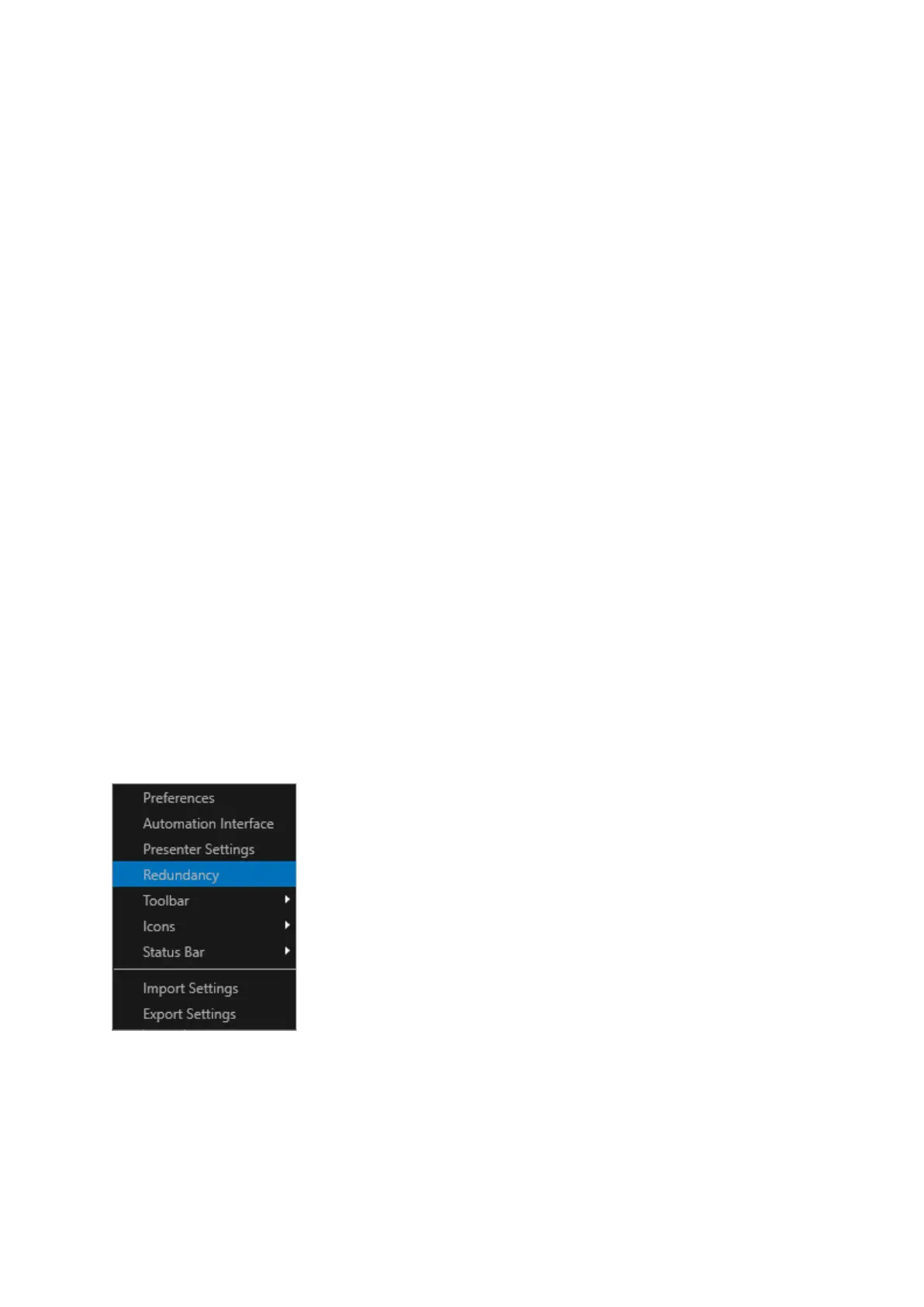
To initialise Redundancy click Settings/Redundancy.
This will launch the Redundancy Pairing window.
Pairing is required to enable the connection between the two systems.
The window displays the ID of the machine.



 To Next Page