Page | 29
Manually Adding A Device
If a device is connected to the network but is not visible in the Add Discovered Device window, the
user may manually add the device.
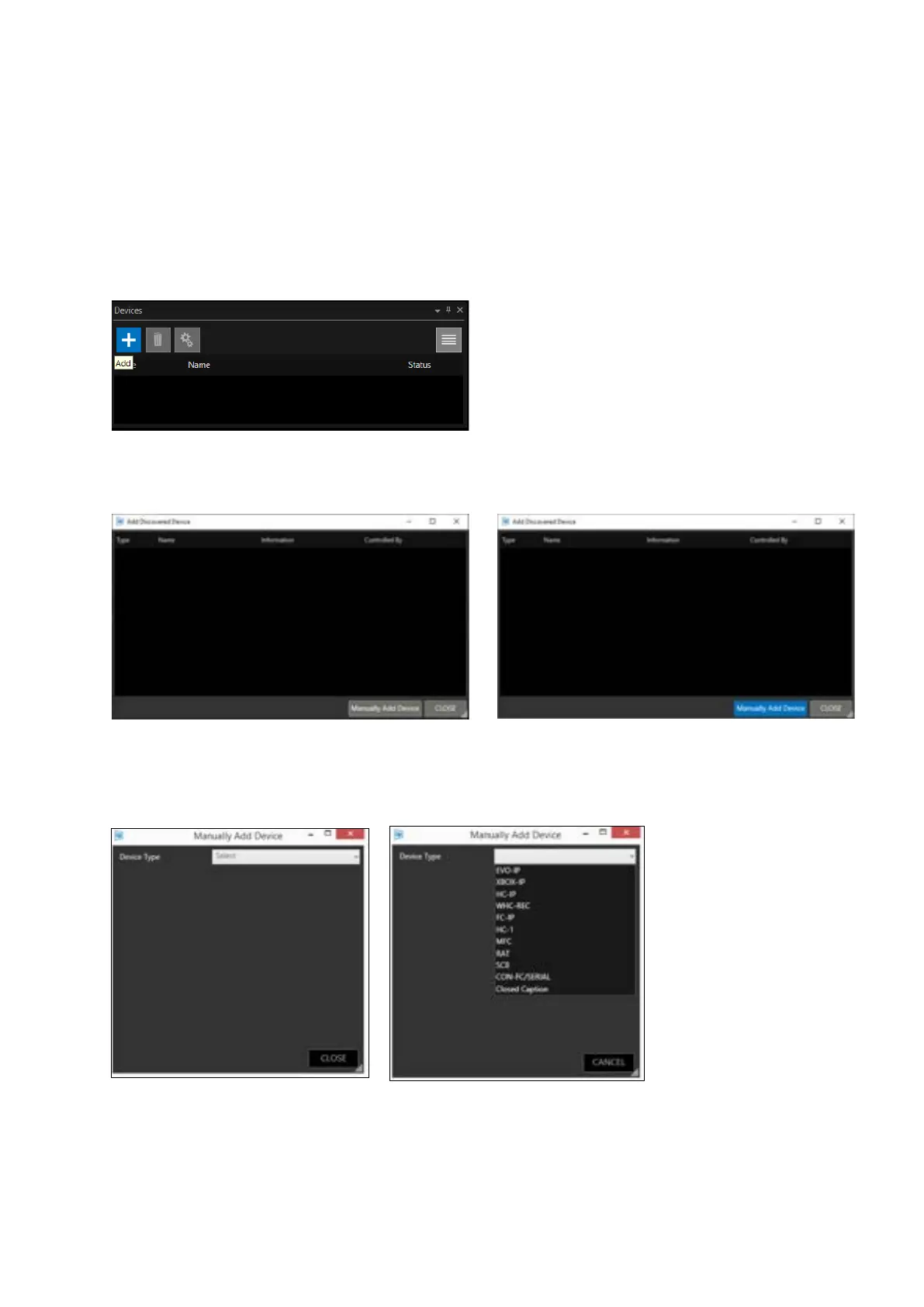
In the devices window click the + icon:
This will launch the Add Discovered Device window: Click “Manually Add Device”:
The Manually Add Device window will open.
Click “Select” to view a pull-down of the available device types:
Choose the device type by clicking on it. In this example, we select an EVO-IP on-camera prompter
device:



 To Next Page