Page | 244
Adding An Auto Discovered Device
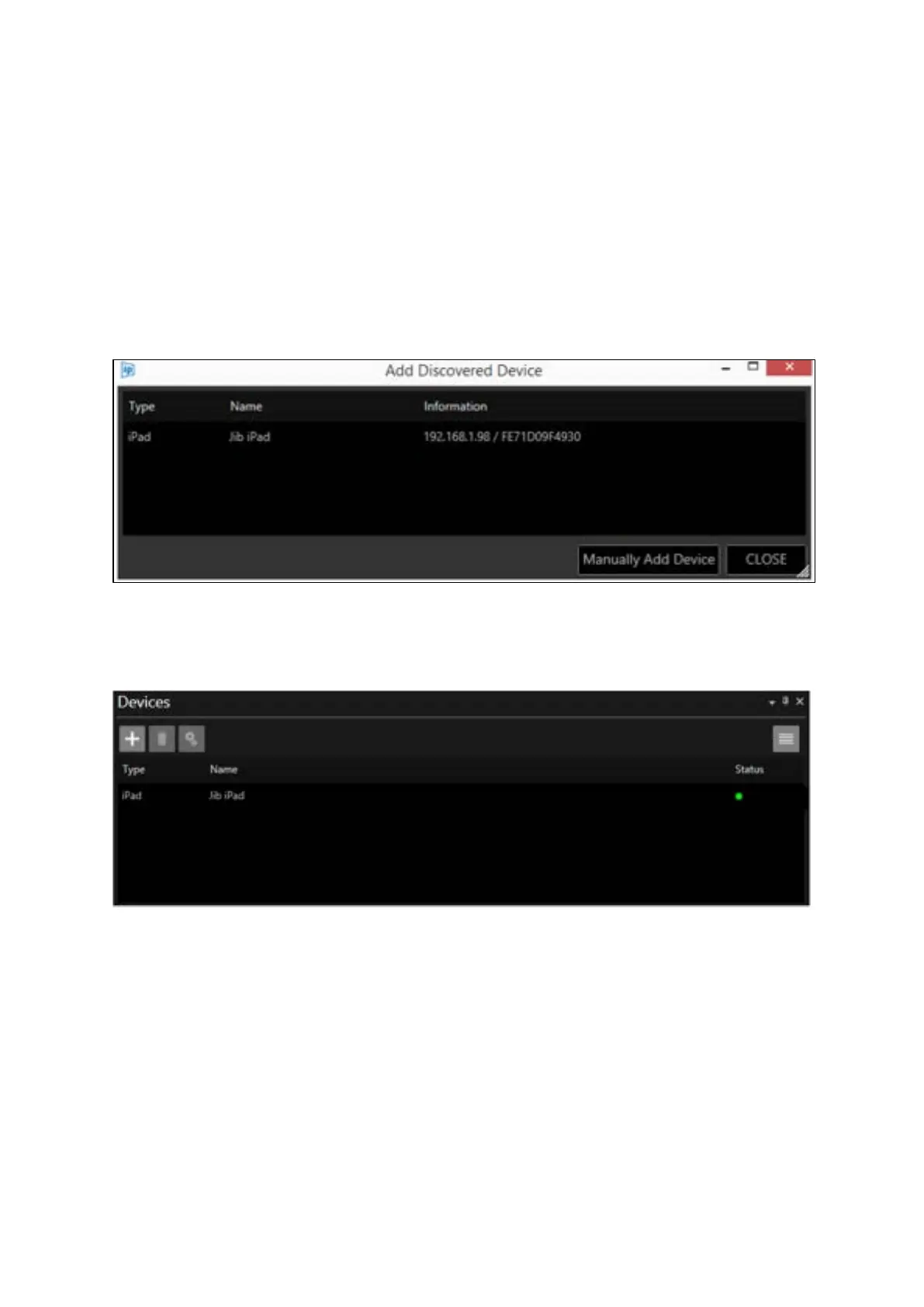
When “Add Discovered Device” is clicked, a list of the available iDevices connected to the network
will populate. The window shows the type of device available, its friendly name, its IP address and
MAC address.
Please Note: For the iDevice to be discovered iEVO must be running on the iDevice
In the below example WP-IP has auto discovered an iPad on the network with the name Jib iPad:
When the device is added to the devices list it will disappear from the Add Discovered Device
window and appear in the Devices list:
Any new devices subsequently attached to the network will become visible in the Add Discovered
Device window.
If an iDevice is detected and added, but it is on a different subnet, a window will open which alerts
the user of this and asks of you want to set the IP address:



 To Next Page