Page | 105
Operating With Prompter Preview Closed
If you choose to operate WinPlus-IP with the Prompter Preview window closed, you can add the
function buttons which would have been displayed in the Prompter Preview window to the main
toolbar.
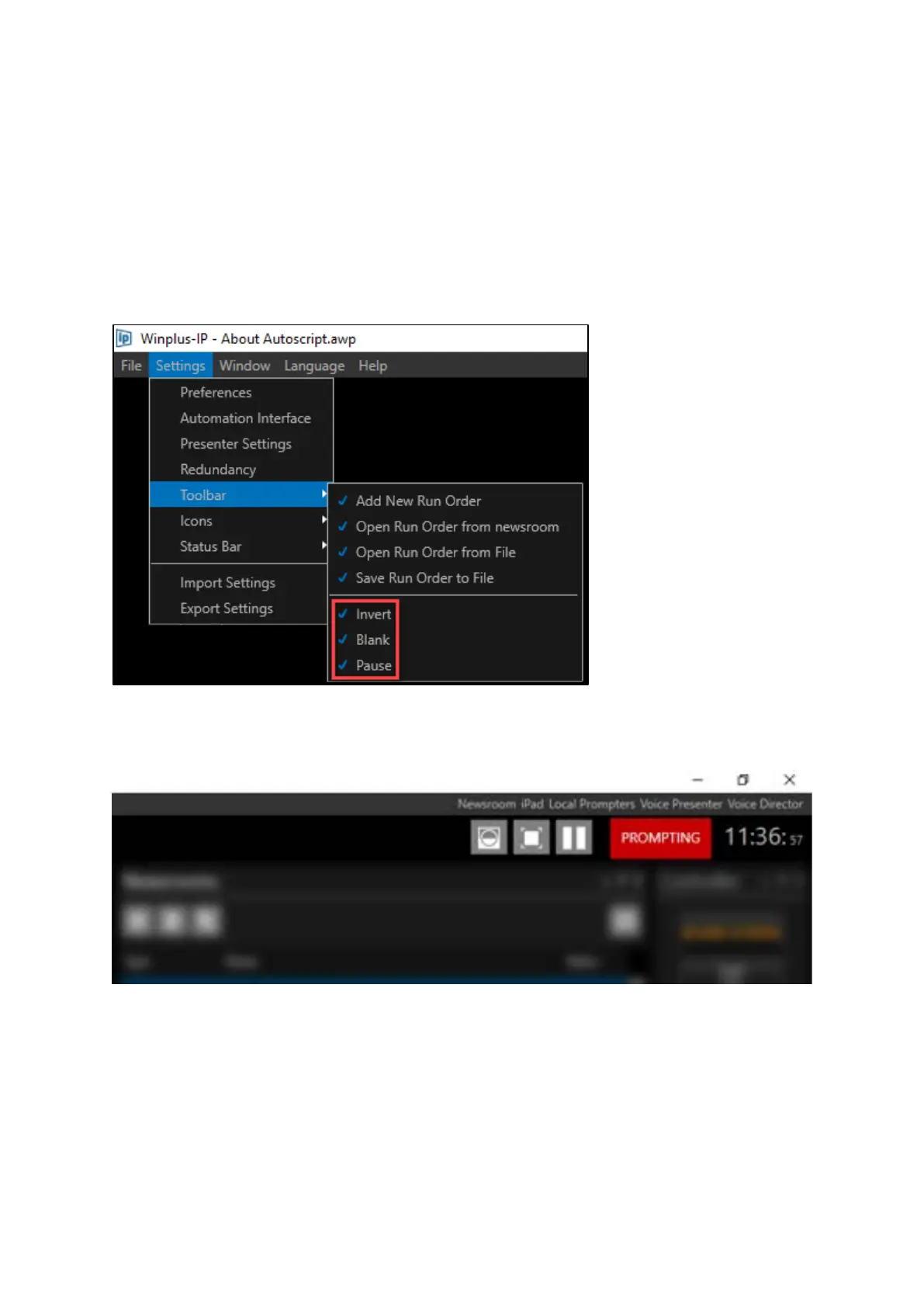
Click Settings/Toolbar and select the buttons you would like to add.
For example, the below selection:…..
…will result in the three buttons being added beside the Prompt on/off button:



 To Next Page