Page | 174
This is where the directory is where the NRCS is sharing the run down.
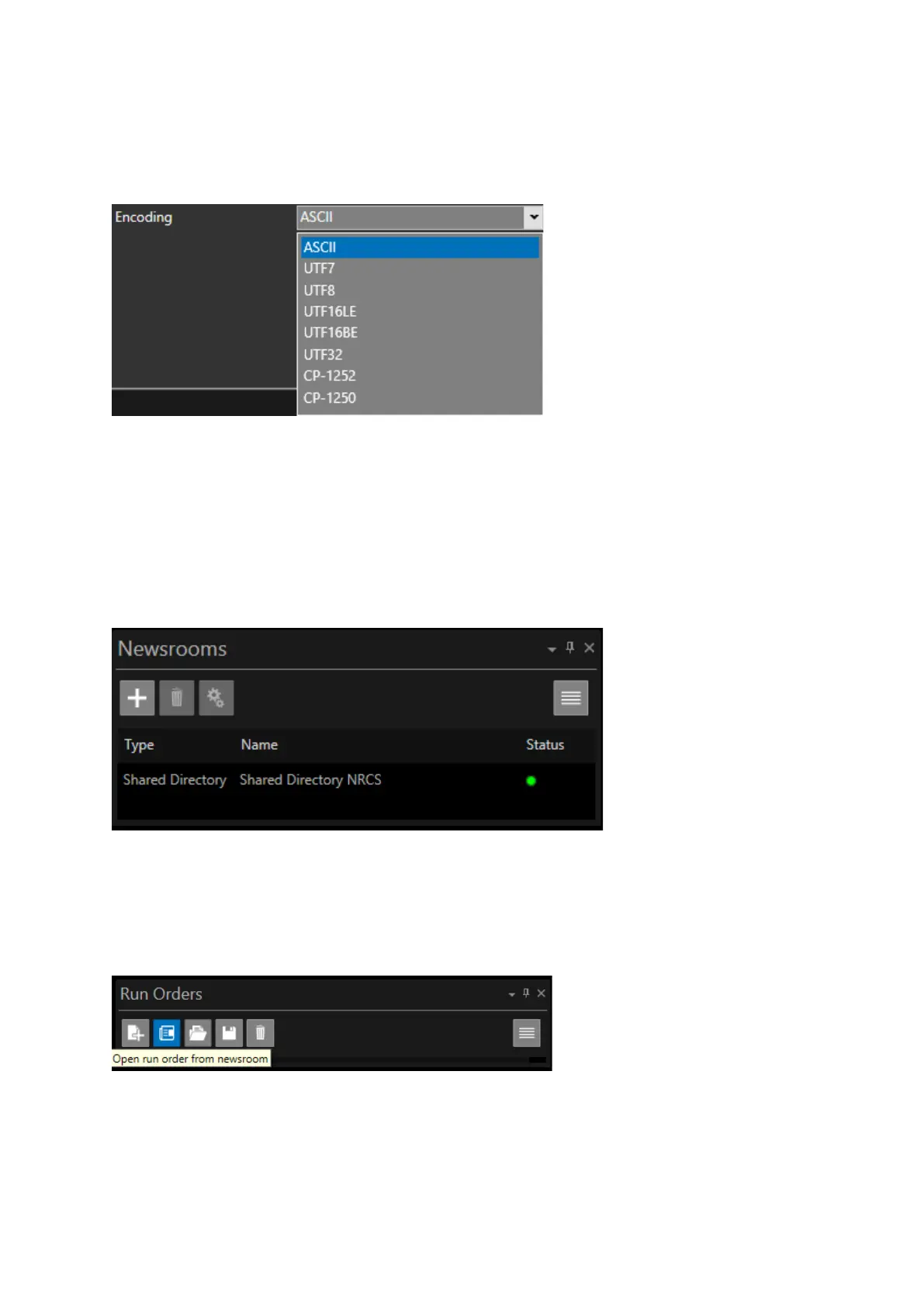
Encoding: To enable compatibility of the encoding used to transfer data from a Shared Directory
Newsroom to WP-IP click on the pull down to select the appropriate encoding
Click apply. If successfully connected the Shared Directory connection will now appear in the
Newsrooms list. The Status light will show the connection:
• Green Light: connected
• Orange light: connecting
• Red light: not accessible
• Blue light: busy (in use by another WP-IPN)
Adding a Rundown in Shared Directory Newsroom
In the Run Orders pane click Open run order from newsroom
You will then see the Available Run Orders. Double click or select ADD to the run down you require
to add it to the Run Orders list



 To Next Page