Page | 212
Export/Import Of Settings
Overview
WP-IP has a number of parameters which determine how the application connects to devices,
networks and other incidences of WP-IP.
The ability to store and export these settings is a powerful tool which has a number of benefits:
• Quick and accurate sharing of device settings
• Easy duplication of machines
• Enables an individual user to have a personalised profile which they can carry with them
• Networks can have a standardised profile across a number of machines which can be easily
edited and duplicated when changes are required or new workstations are added
• Remote installation and creation of duplicate machines with one file
• Simplifies troubleshooting by recreating exact WP-IP machines
Exporting Settings
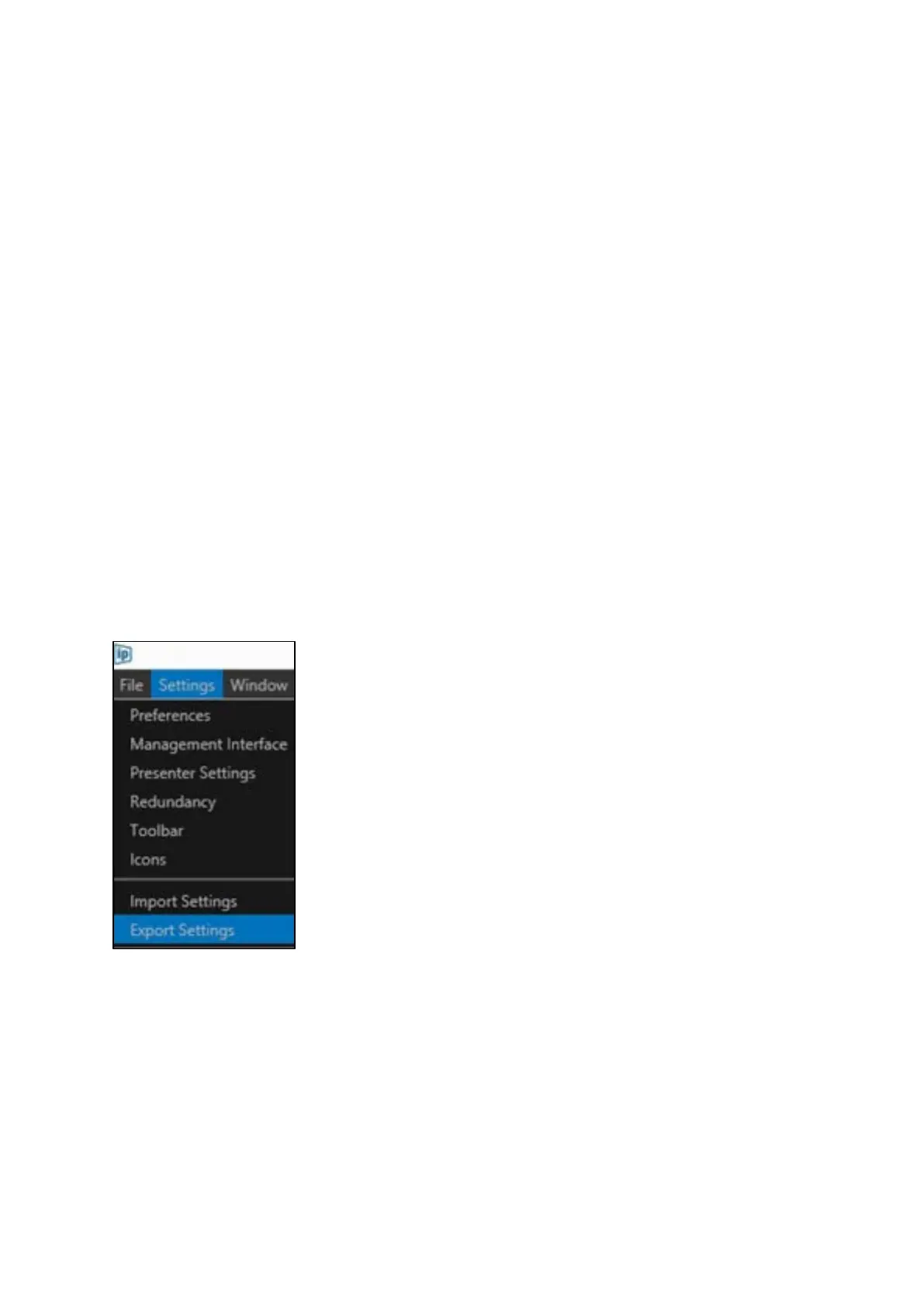
The export of settings is located in the main toolbar under Settings/Export Settings
This will bring up the Select Settings to Export window.



 To Next Page