Page | 232
Adding the Autocue ShuttleXpress (CON-SE)
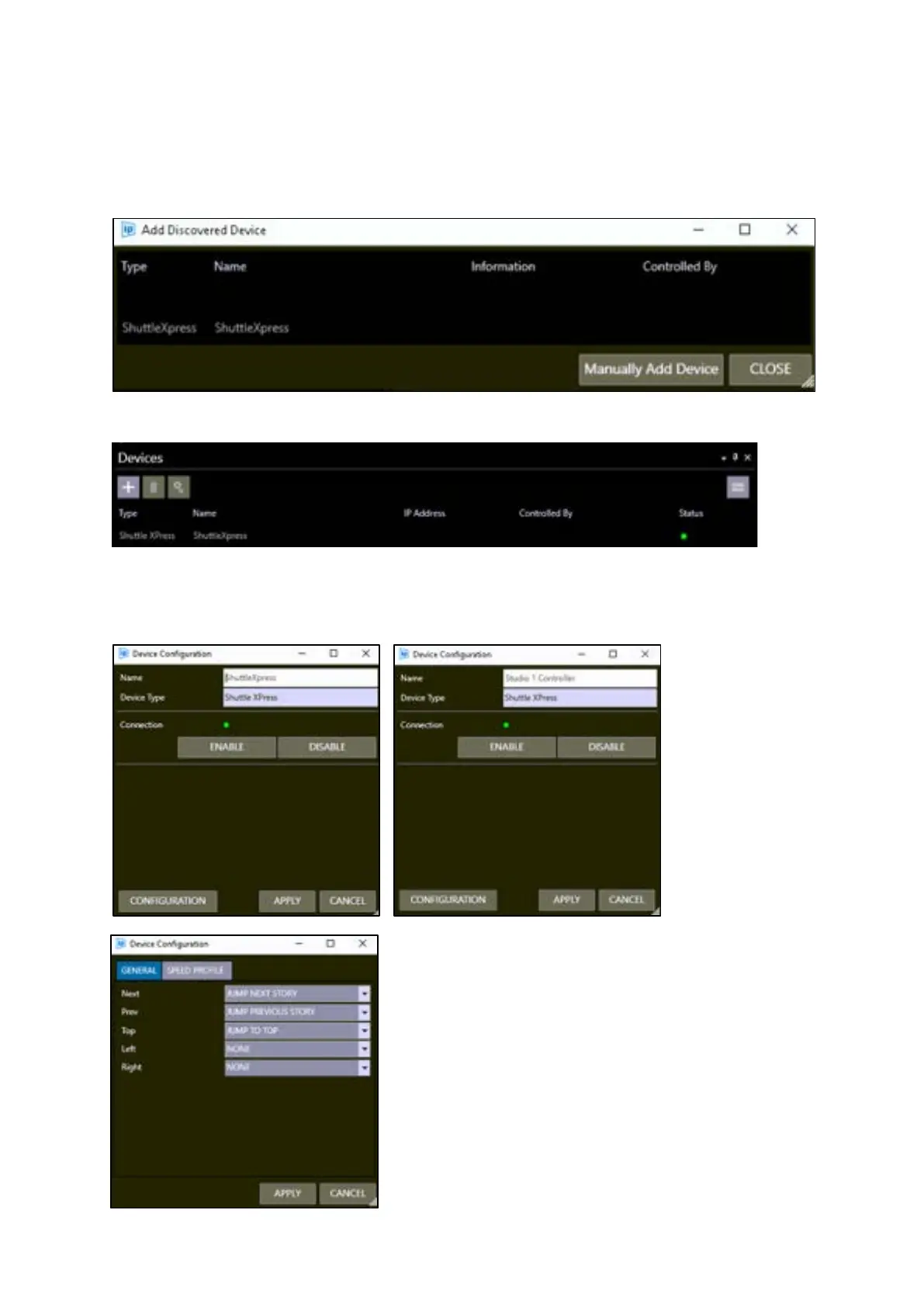
In the Devices pane click the + button. When connected to a USB port/USB hub, the Shuttle Express
controller will be detected and listed in the Auto Discovered device pane as the type ShuttleXpress:
Double click to add to the Devices pane.
To edit the settings, select the device then click the Configuration button.
In the main page you can change the device name:
Click CONFIGURATION then the GENERAL
tab to view the functions assigned to each
of the buttons.



 To Next Page