Page | 250
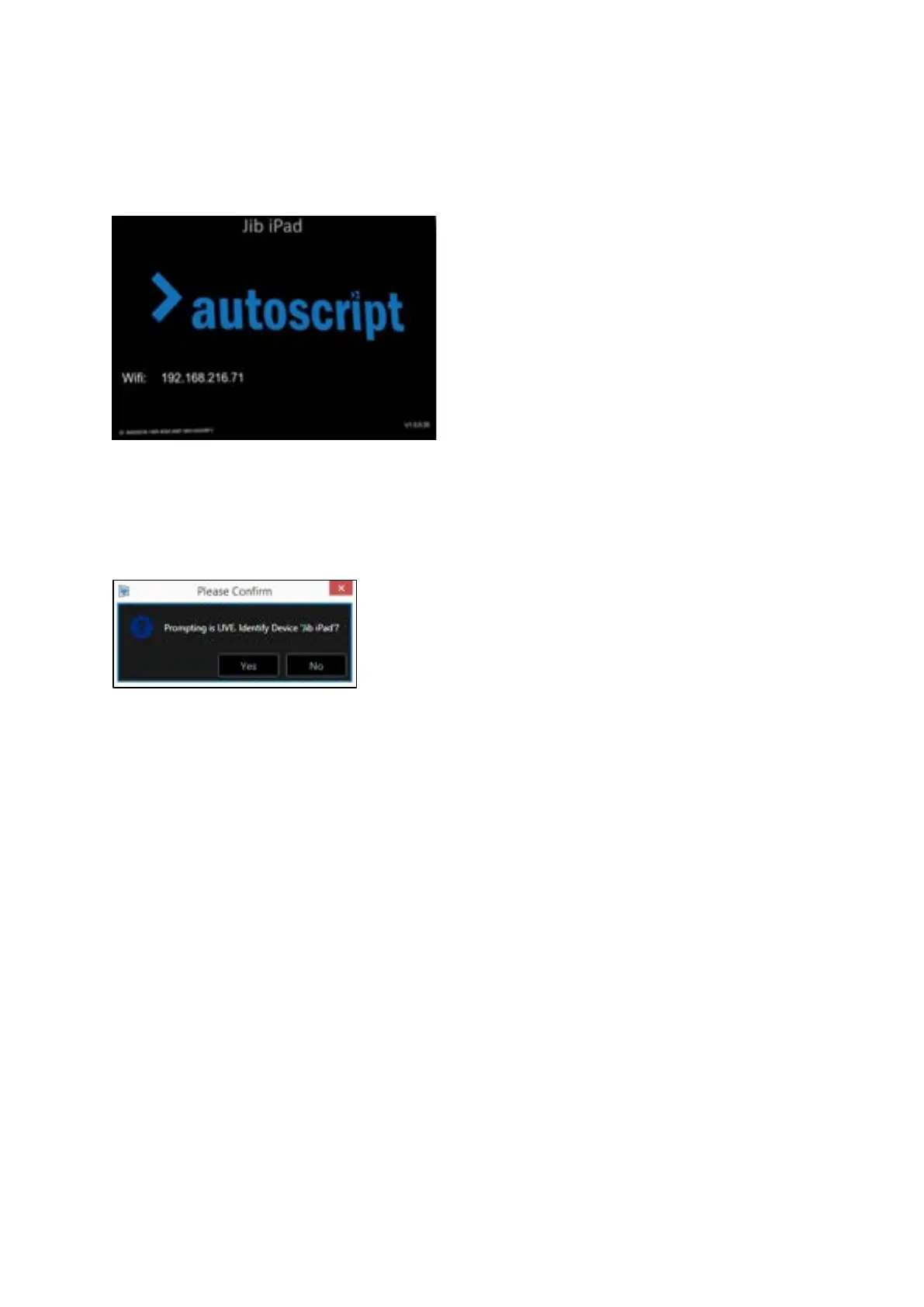
The iDevice will show the friendly name, device Serial Number, Firmware version and IP address.
Please Note: If prompting is live, clicking Identify will switch the prompting off on the iDevice and it
will display the identification screen. You will be shown this confirmation message before applying
Identify:
If you click “Yes” the identification screen will be displayed for 3 seconds and then will automatically
revert to displaying the prompter text.
Time Zone
This feature allows the user to choose to display a different time zone on the iDevice from that
which is generated by the machine which is running WP-IP.
Please Note: Display of the time on the iDevice is enabled in the WP-IP application.
To show the clock click the burger in the Prompter Preview pane and then click Show Clock:



 To Next Page