Page | 201
Configuration
Overview
Configuration is a powerful tool that enables the user to create a library of configurations quickly
and easily.
They can then switch between libraries in a single click and Export/Import Configurations libraries
between different Winplus-IP applications.
Configuration examples include:
• Create shows with select devices, run orders, presenter settings
• Switch NRCS preferences
• Create studio groups of devices
• Create on-camera unit settings for different look/feel and video input selections
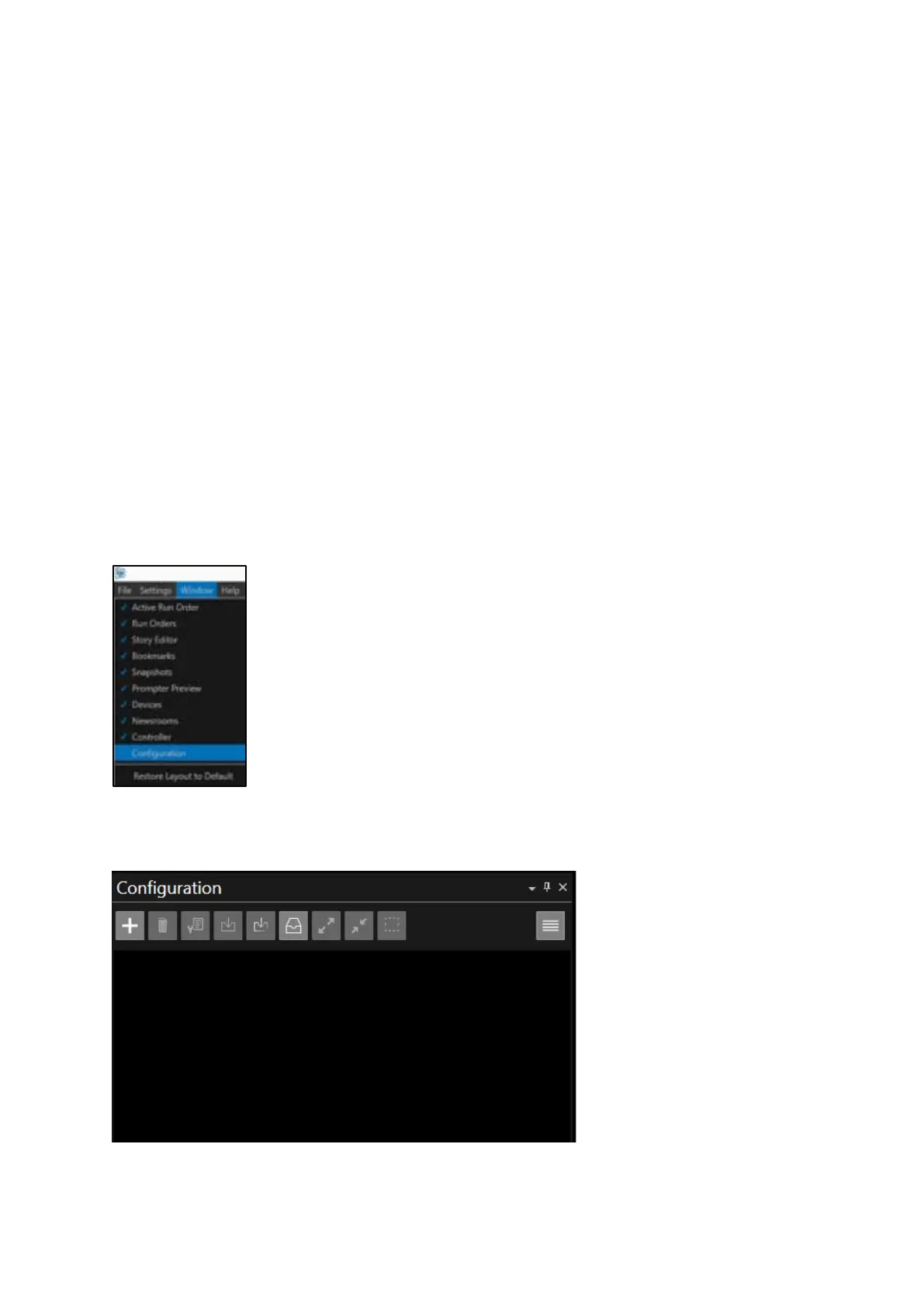
To use Configuration, in the main WP-IP toolbar click on Window/Configuration
This will launch the Configuration pane



 To Next Page