Page | 136
To retrieve the stored data and insert into the script, position the caret to the required position in
the script and click on the desired Macro button. The script text will be inserted, and no data will be
overwritten.
You can view the contents of the macro by hovering over it.
To delete data associated with each button, right click on the button and select “Clear”
You can assign data to a macro using shortcut keys.
Editing Macro Preferences
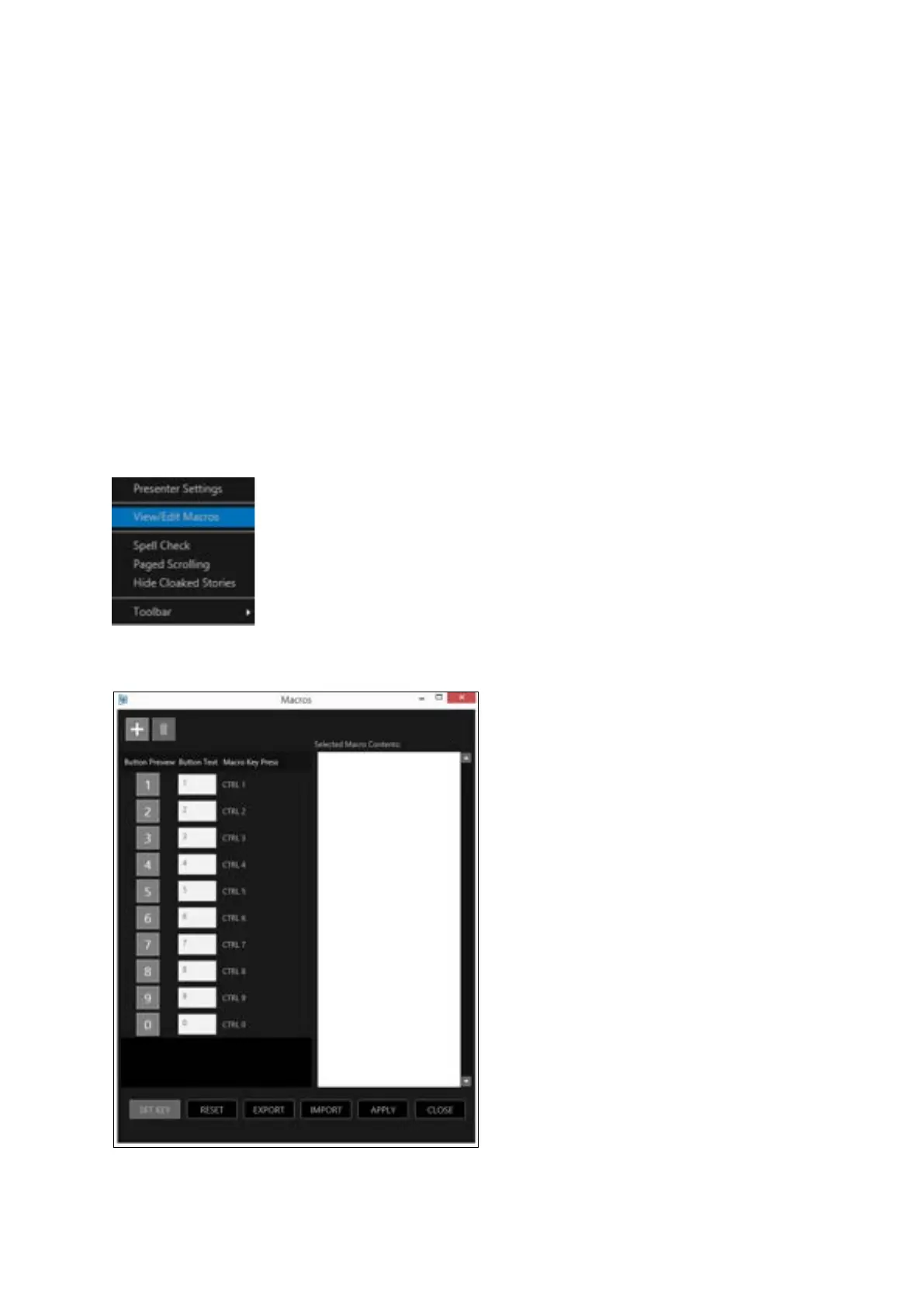
The assignment of macros and their associated shortcuts can be edited. To view the assigned macro
shortcuts in the Story Editor window click the burger/View Edit Macros
This will bring up the macros window
This window shows all the parameters and function of each macro.



 To Next Page