Page | 220
Main Settings
Drag the sliders to adjust levels of Brightness, Contrast, Sharpness and Backlight. Please Note: Slider
range is in % where minimum is 0% and maximum is 100%
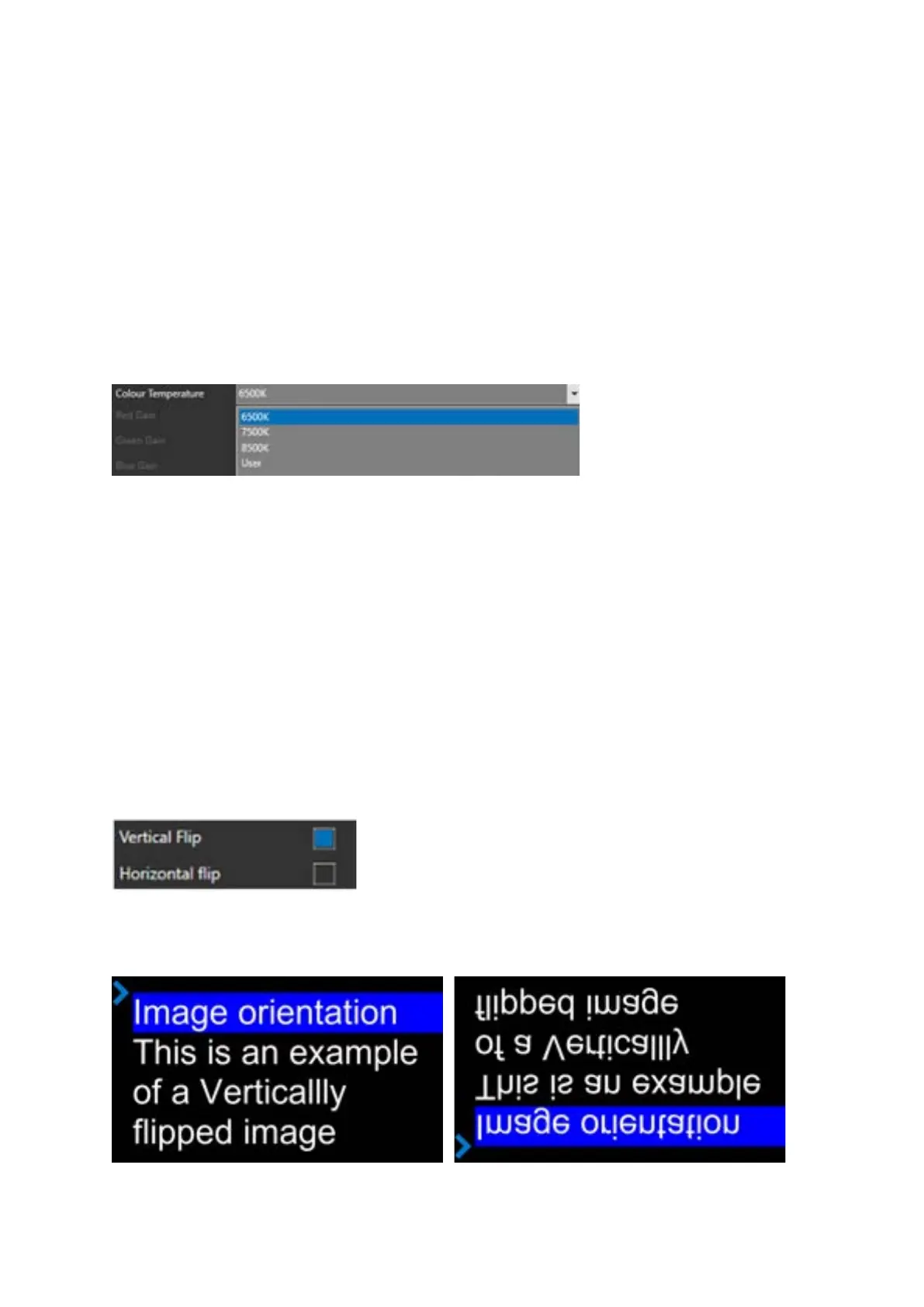
Colour Temperature
To select your preferred colour temperature click the pull down in the colour temperature field and
click on the option you would like.
Selecting “User” will enable you to create your own colour temperature by adjusting the RGB
settings using the sliders.
Image Orientation
Both the vertical and horizontal image orientation can be adjusted.
To select the image orientation click in the corresponding check box
Vertical Flip:
Selecting Vertical Flip will result in the following:



 To Next Page