Page | 75
Moving Stories
Please Note: This feature is not applicable when a Newsroom connection is established as story
moves should always come from the NRCS.
WP-IP has options available to move one story, multiple stories or a block of stories.
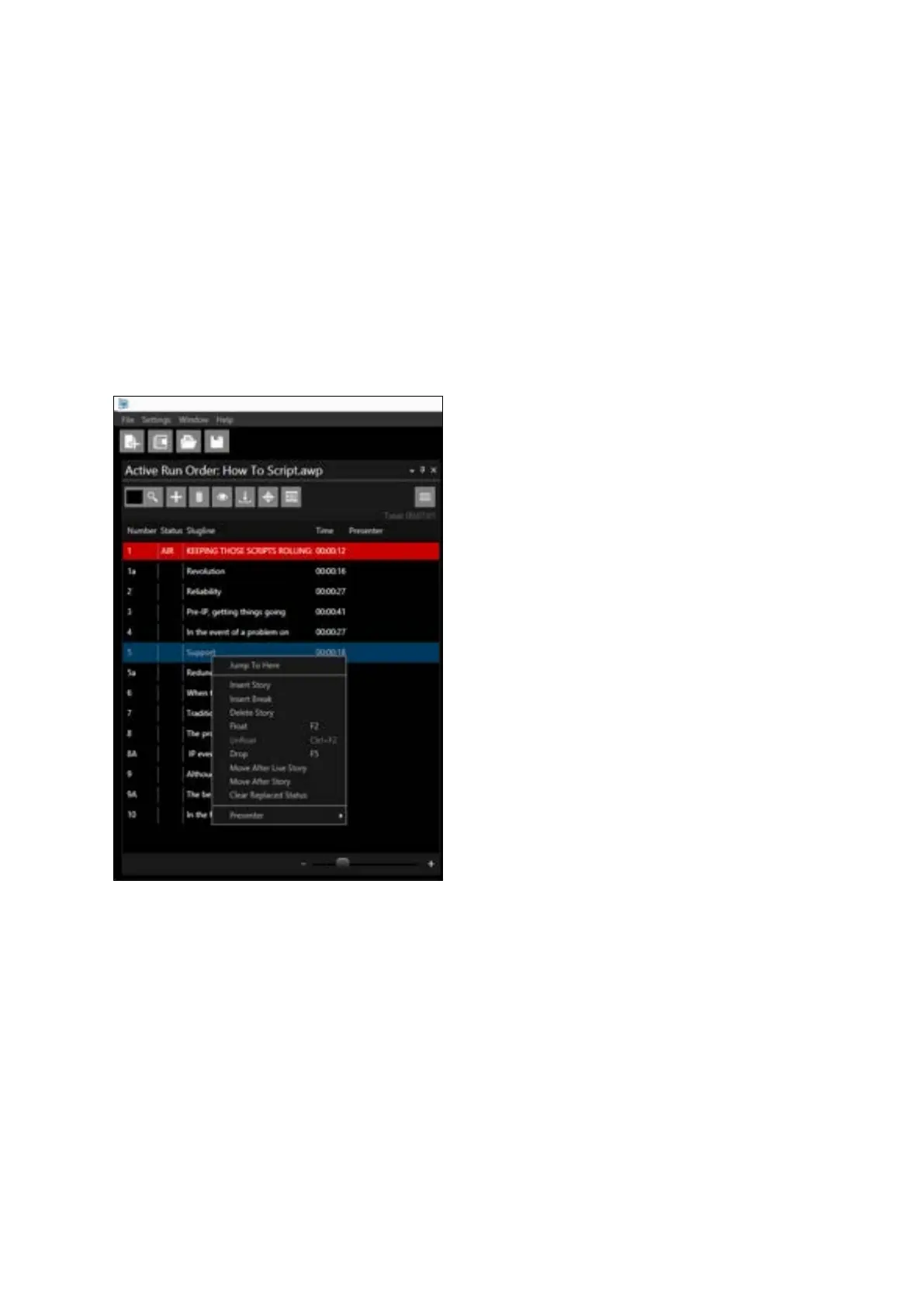
To view these options right click on a story in the Active Run Order window.
The options to move stories are:
• Move After Live Story
• Move After Story
Move After Live Story
Single Story:
Action: Select the story you would like to move. Click “Move After Live Story”.
Result: The selected story will move from its current position in the Run Order to be the next story in
the Run Order below the current live story. The story which was next in the Run Order will be moved
down one
Example: Story 5 is live.



 To Next Page