Page | 66
Run Order Status
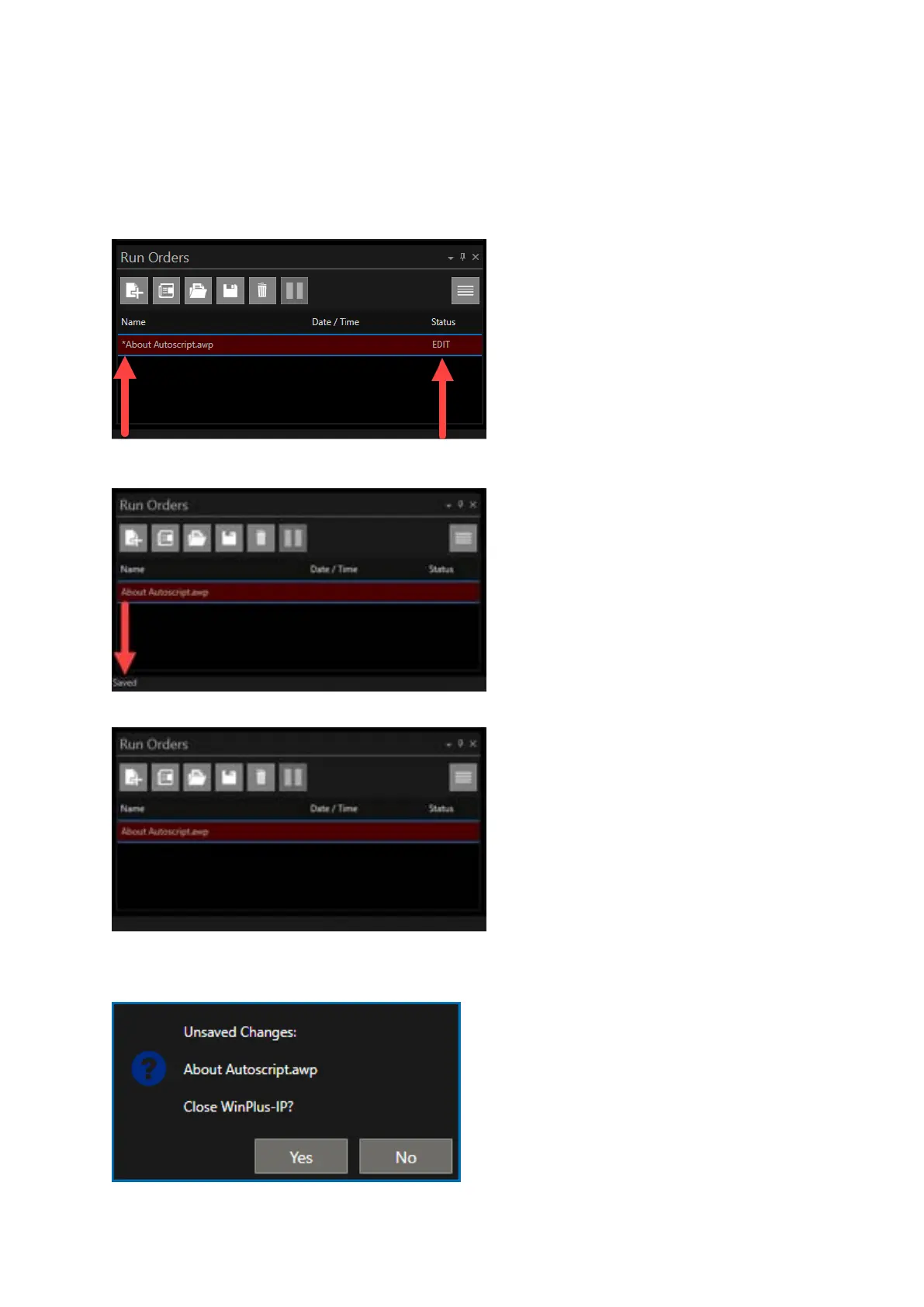
When an edit is made to a story in a Run Order this will be highlighted in the Run Order Name and
Status column. An Asterix (*) will appear before the name of the Run Order and the word EDIT will
appear in the Status column.
When the Run Order is saved the word Saved will appear in the status bar for a few seconds.
The Asterix and the word EDIT will be removed.
If you select to close WinPlus-IP without saving changes you will be given another opportunity to
save before closing.



 To Next Page