Page | 79
Floating/Cloaking Text or Stories
Please Note: Float/Cloak have the same function but the terms differ dependent on the system used.
For the purpose of this manual we will use the term Float.
Text or can be removed from the prompted output but remain in the story editor using the
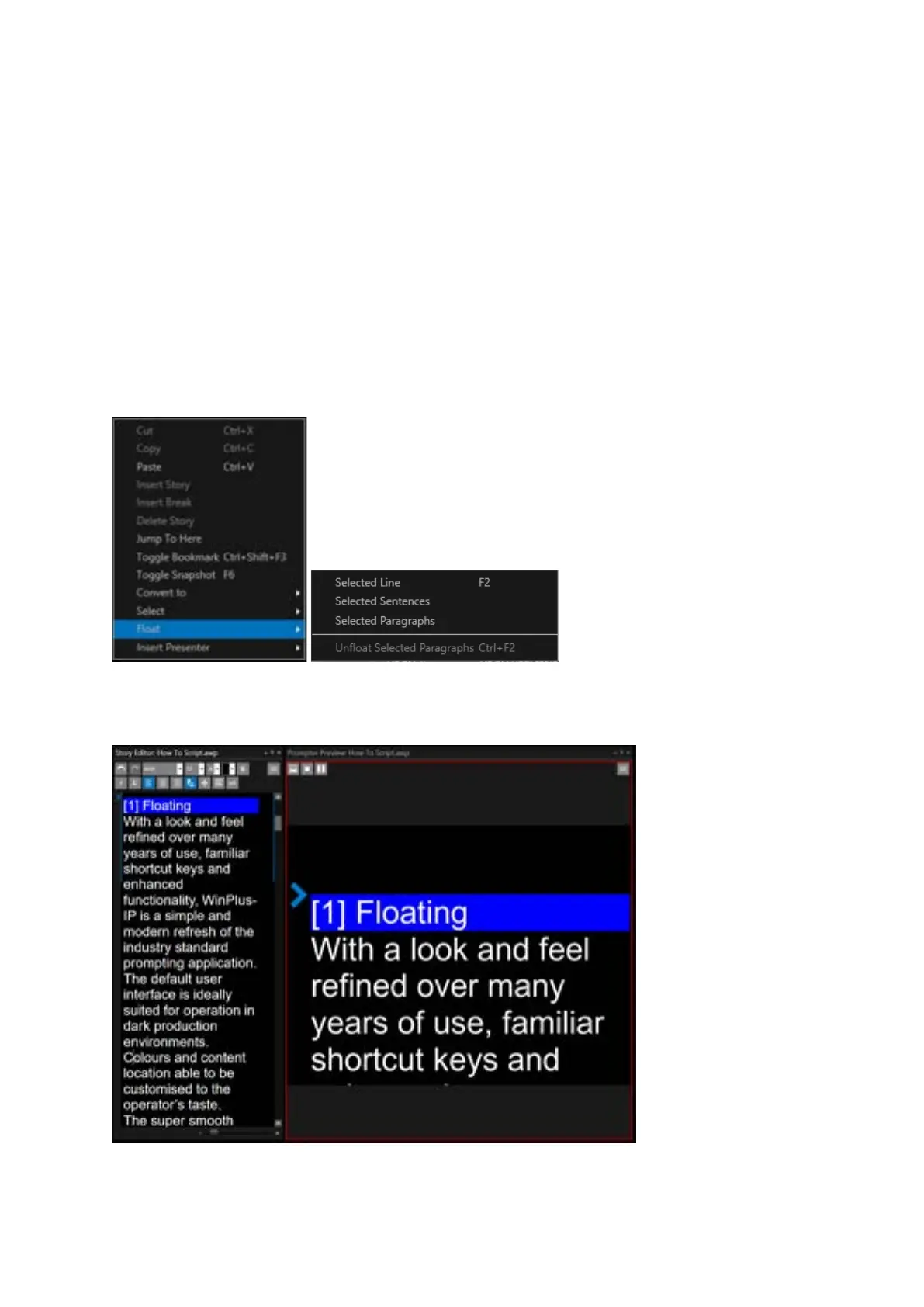
Float/Cloak Function. The Floated text will be highlighted in the Story Editor.
Floating from the Story Editor Window
To view the Float options right click in the Story Editor and then click Float.
For the following examples of Floating the original text before any Floating is applied is as below:



 To Next Page